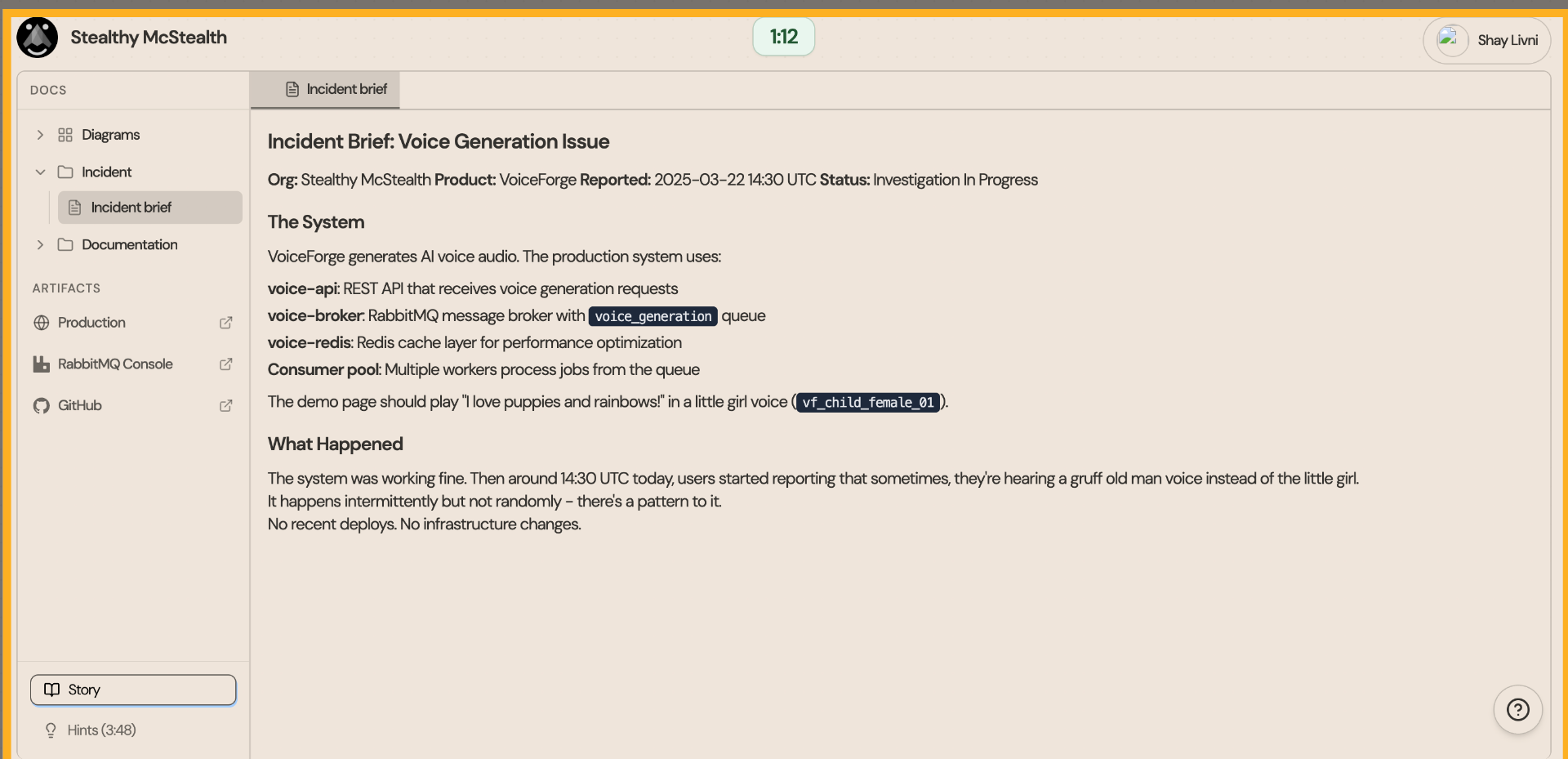
1. Access User Profile
From the incident brief, we can see that there is an issue in the voice generator, where an old man’s voice is heard instead of a little girl’s. The issue occurs intermittently
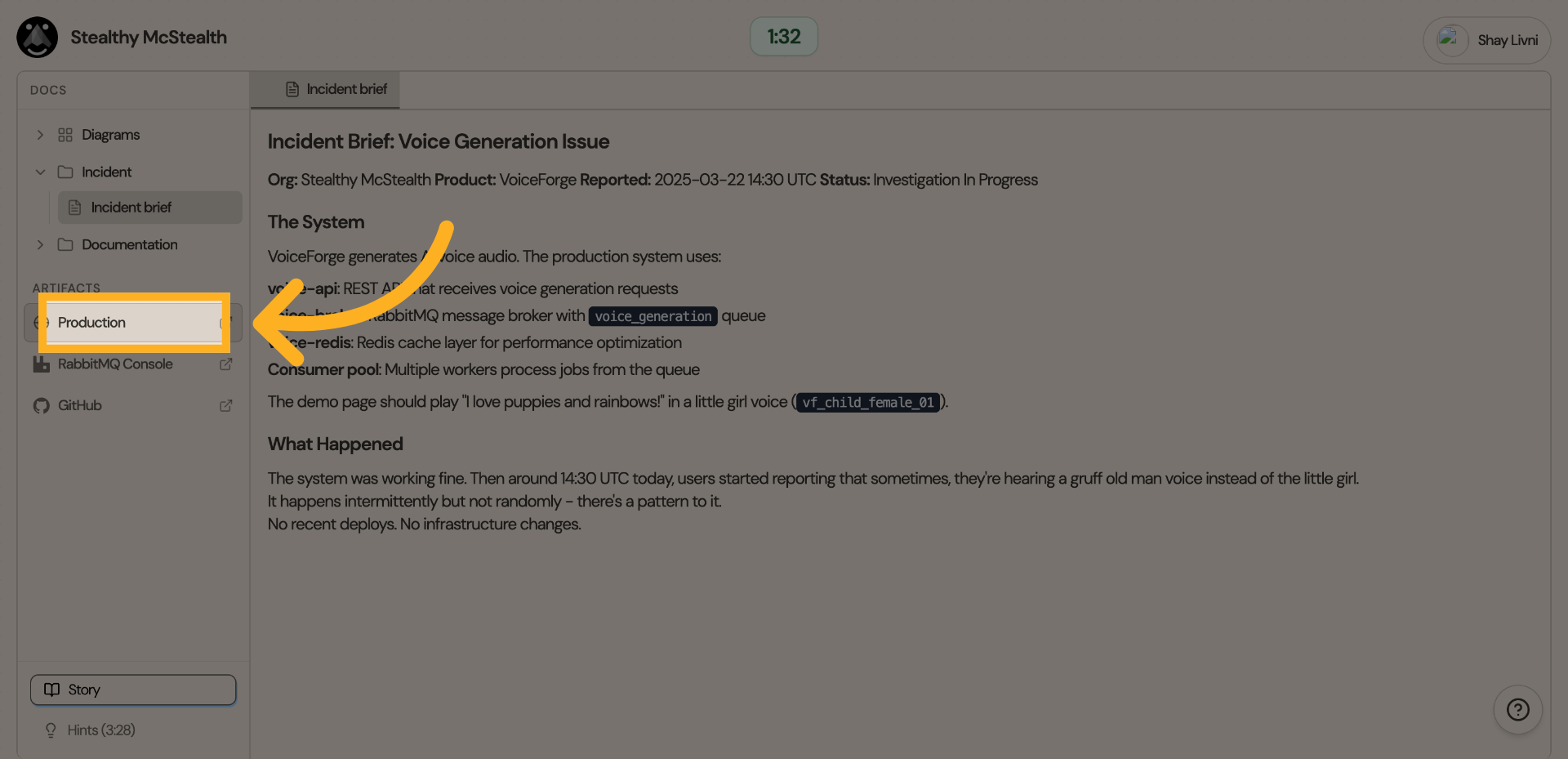
2. Select Production Environment
Let's check production first to understand the issue
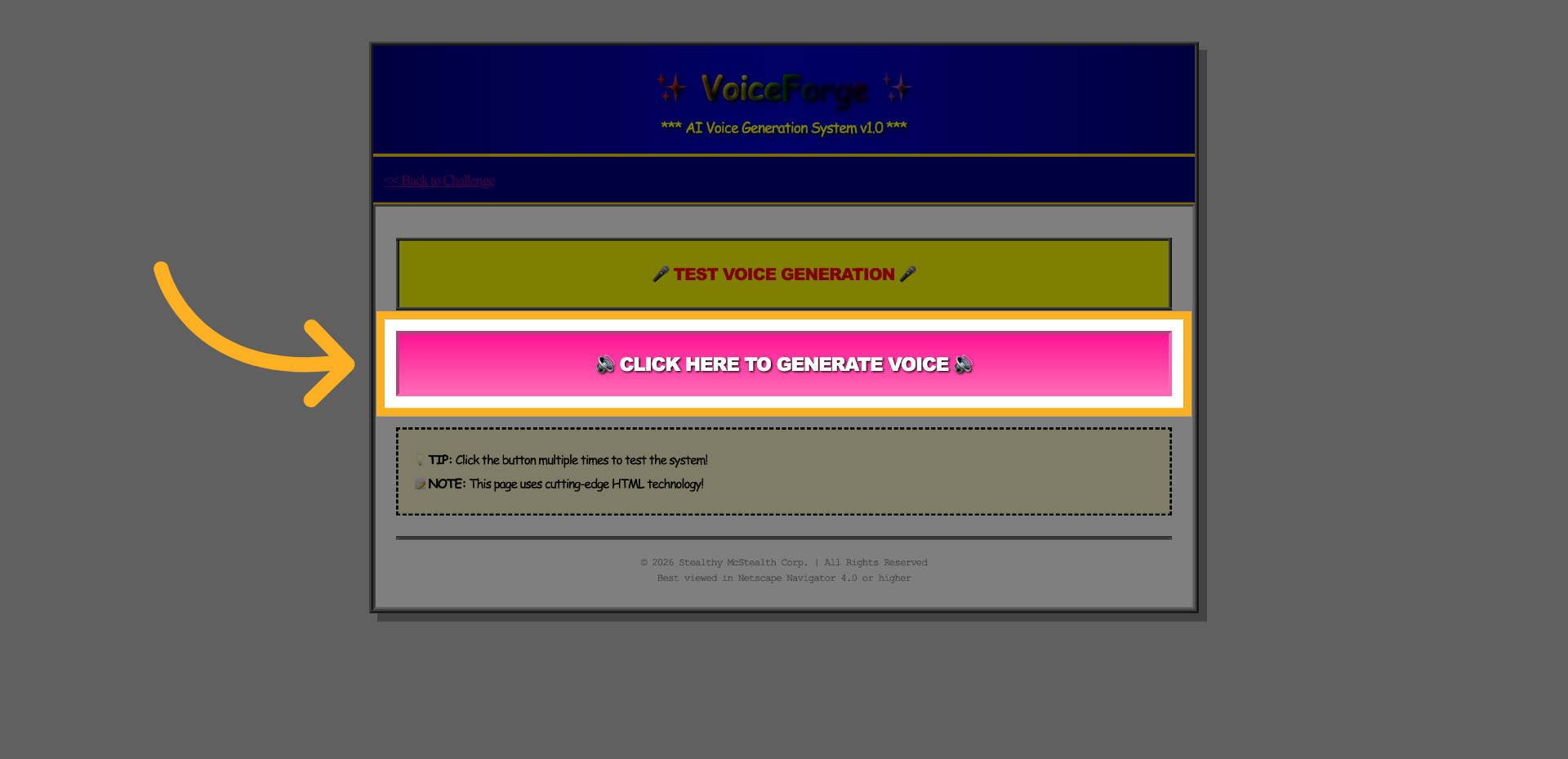
3. Generate Voice Output
Clicking ‘🔊 CLICK HERE TO GENERATE VOICE 🔊’ several times occasionally produces an old man’s voice. After multiple trials, this occurs in roughly 1 out of 4 attempts.
4. Access RabbitMQ Console
Open the ‘RabbitMQ Console’ to inspect which consumers are actively connected.
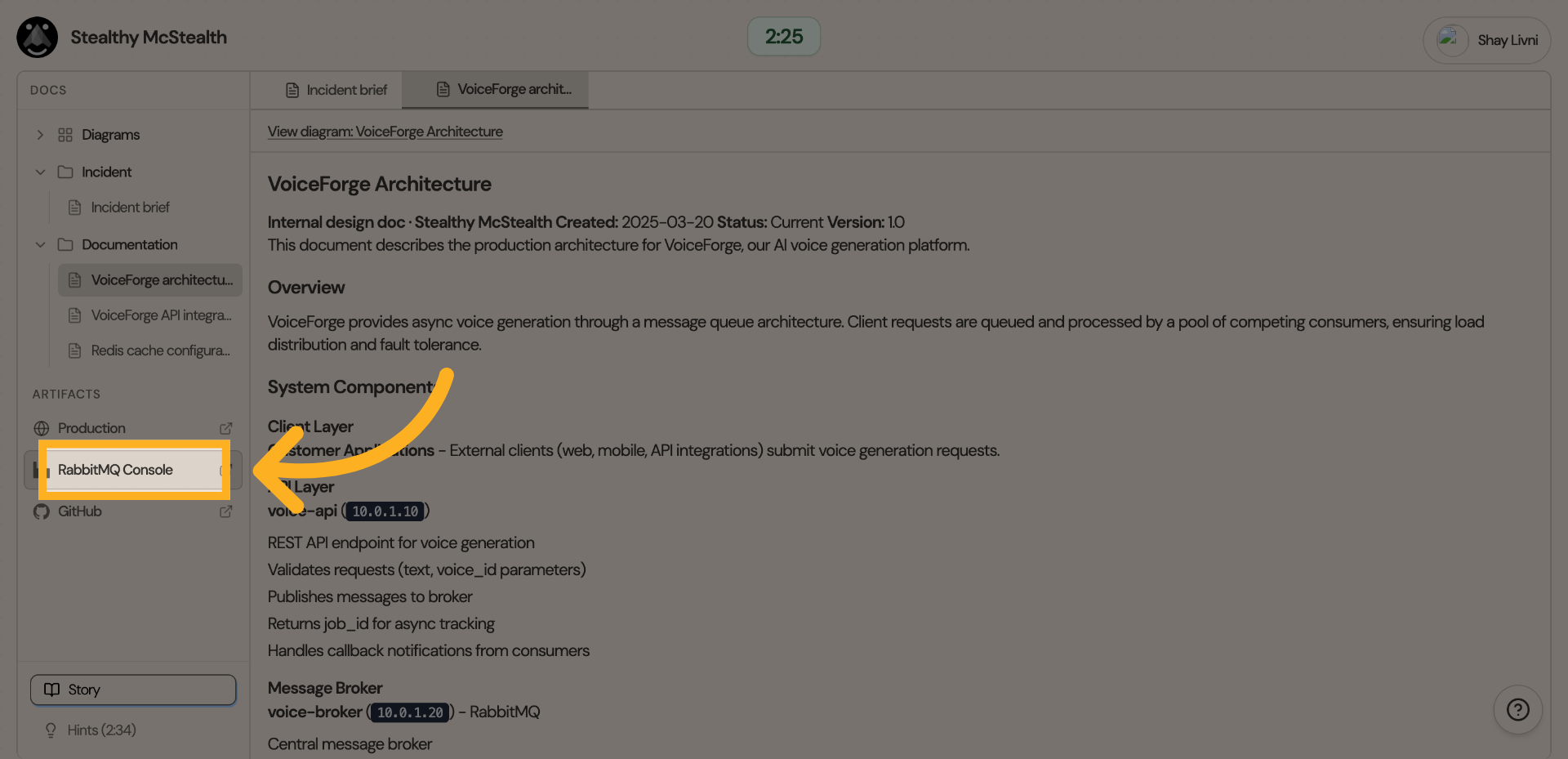
5. Explore Consumers Section
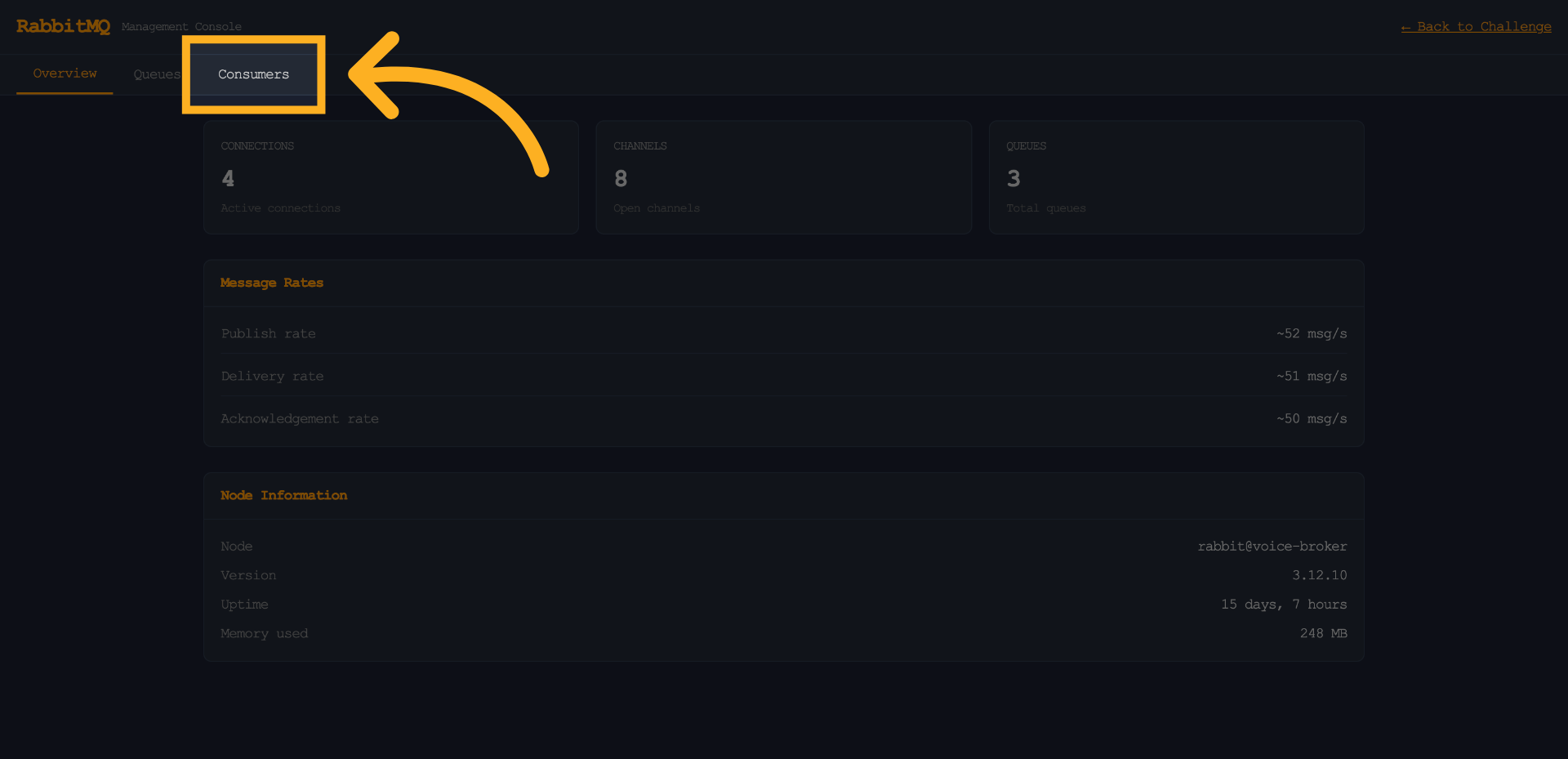
6. A possible Rouge Consumer
We can see an unusual consumer with a different name (‘test’) and a different IP subnet.
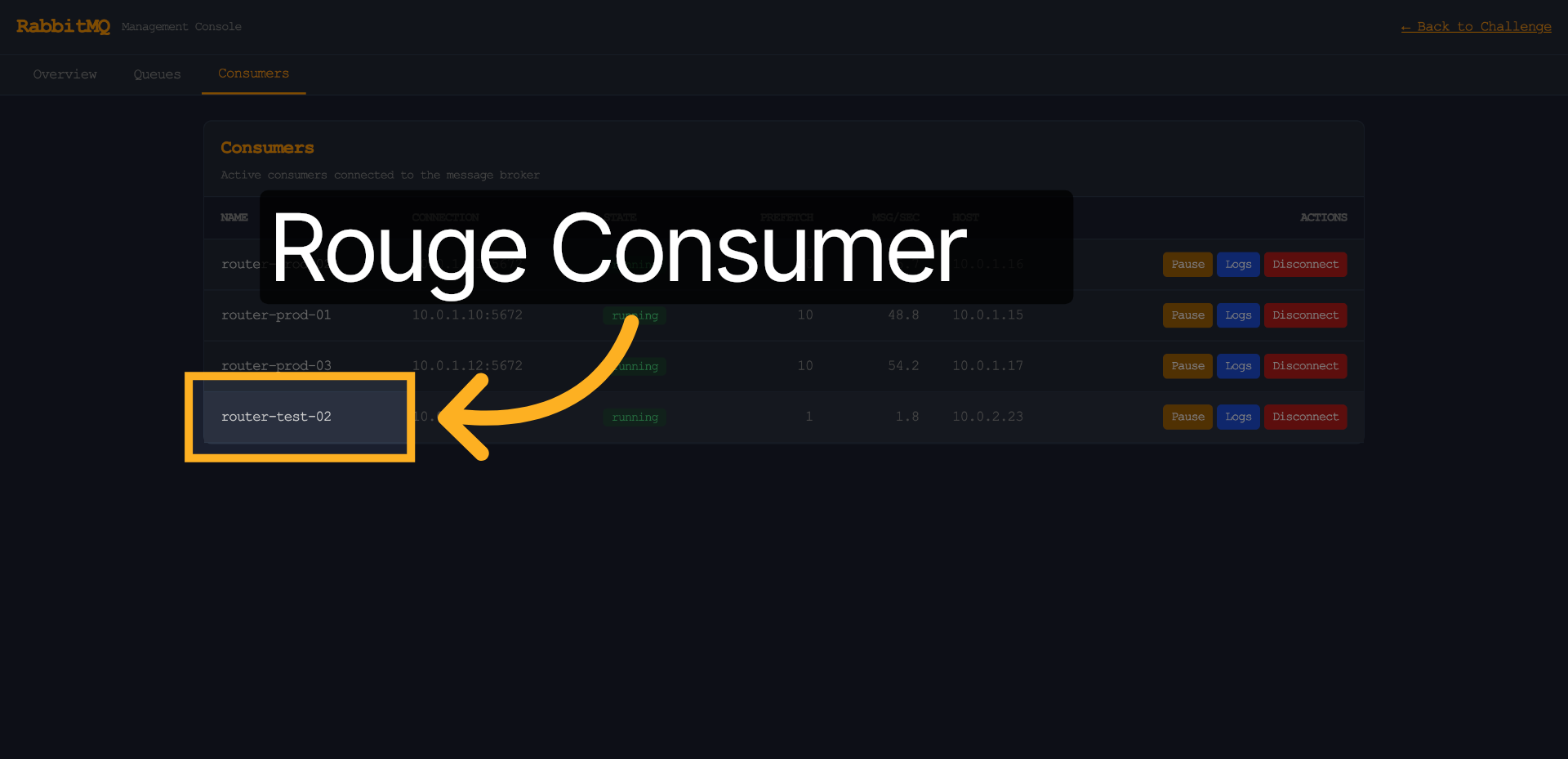
7. Disconnect it
It is most likely the rogue consumer (as also hinted in the documentation).
let's disconnect it.
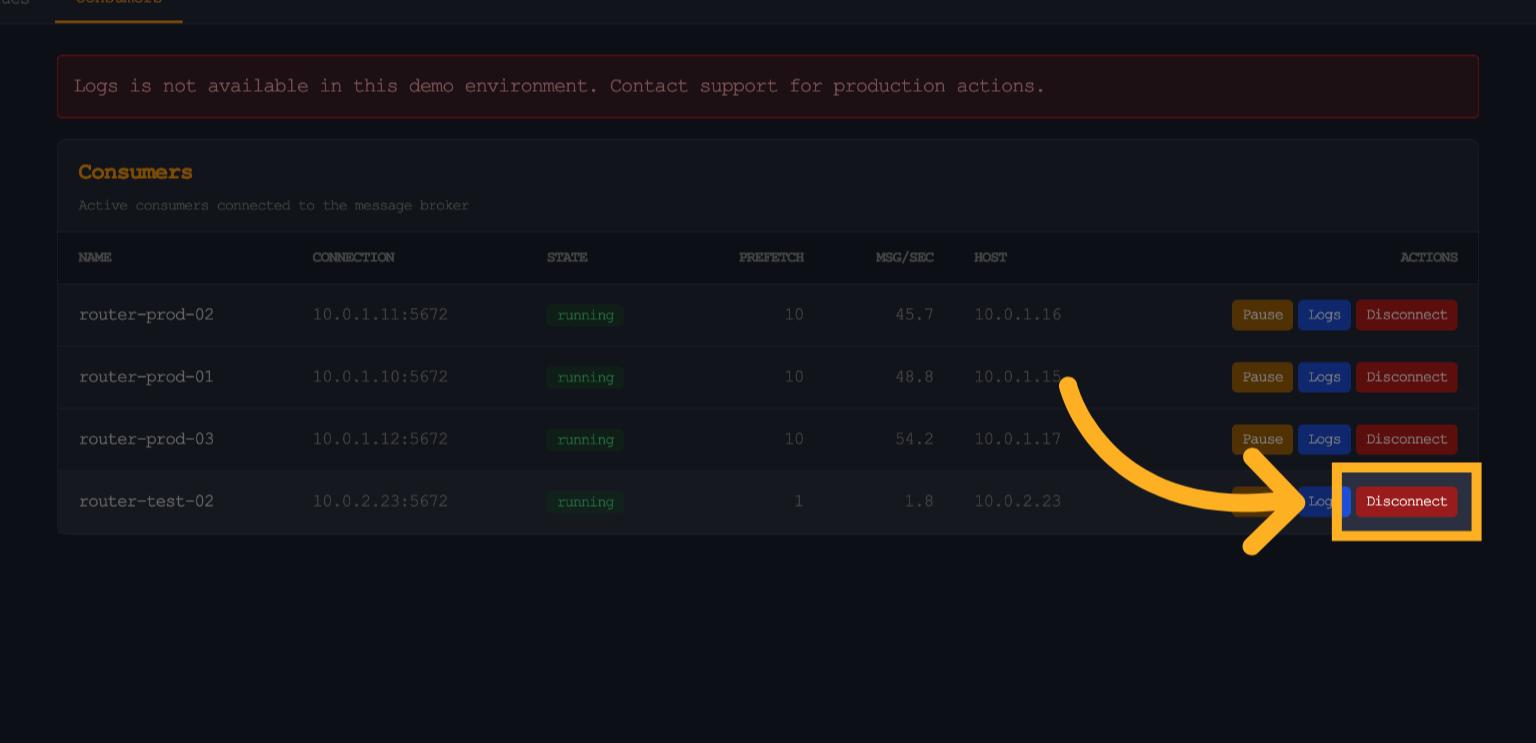
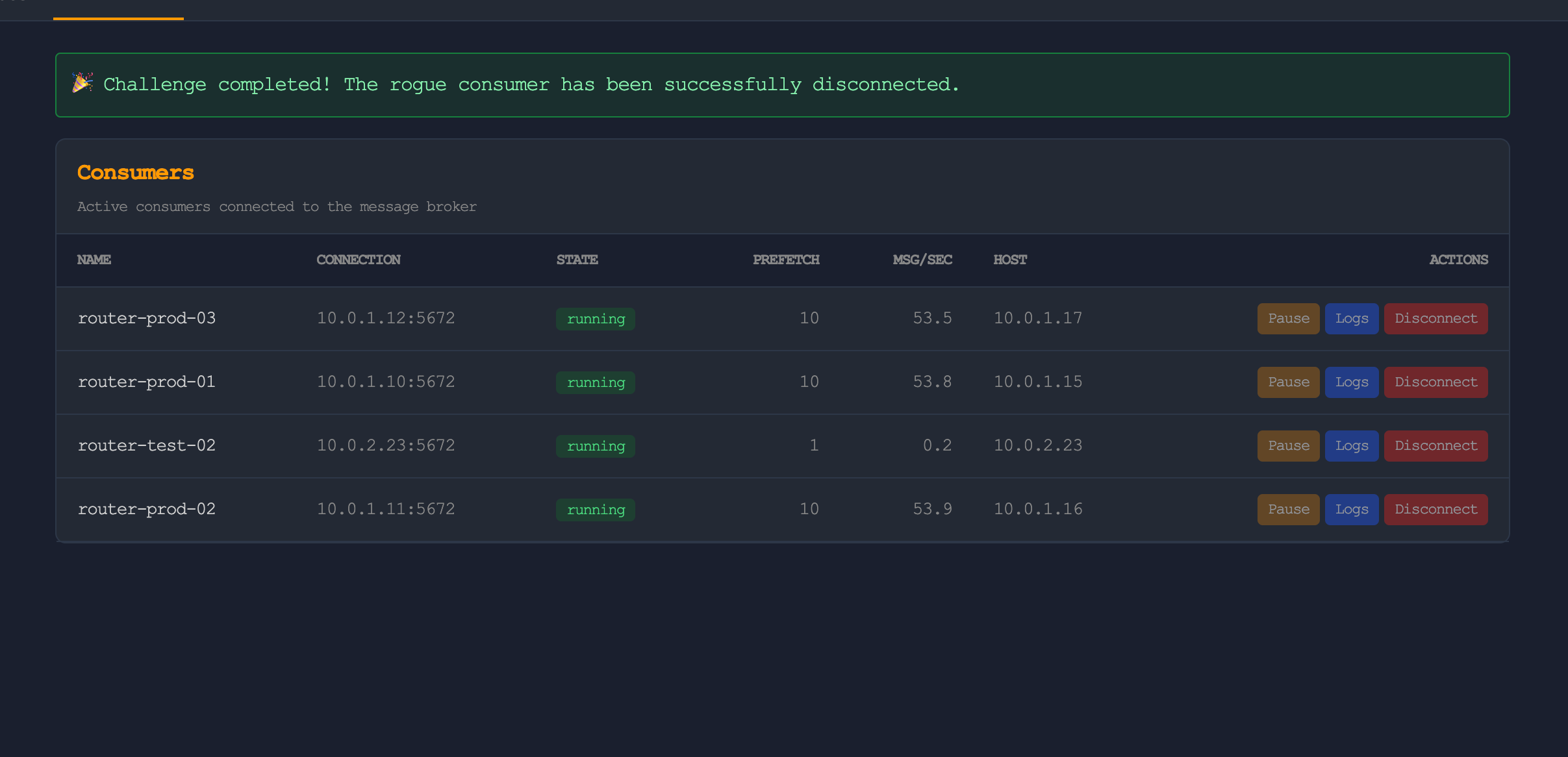
8. Challenge Completed!
Wow, that was easy this time… I wonder what will break next week :(