The Mammal Generator Challenge — Solution
This process documents the steps to solve "The Incident Challenge Week #2 - Mammal Generator"
1. Introduction
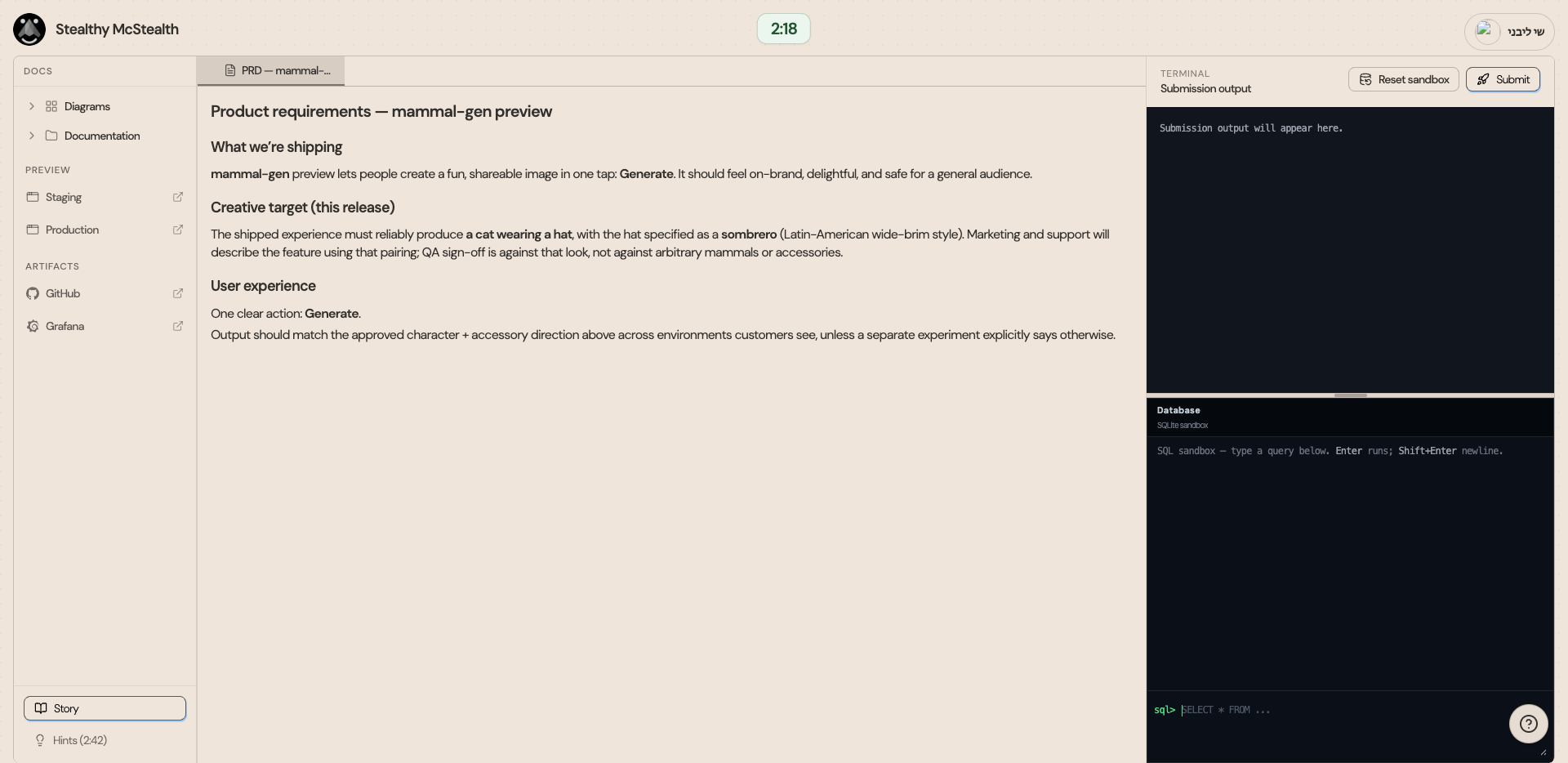
The PRD doc describes the intent of the feature - Generating a cat with a hat.
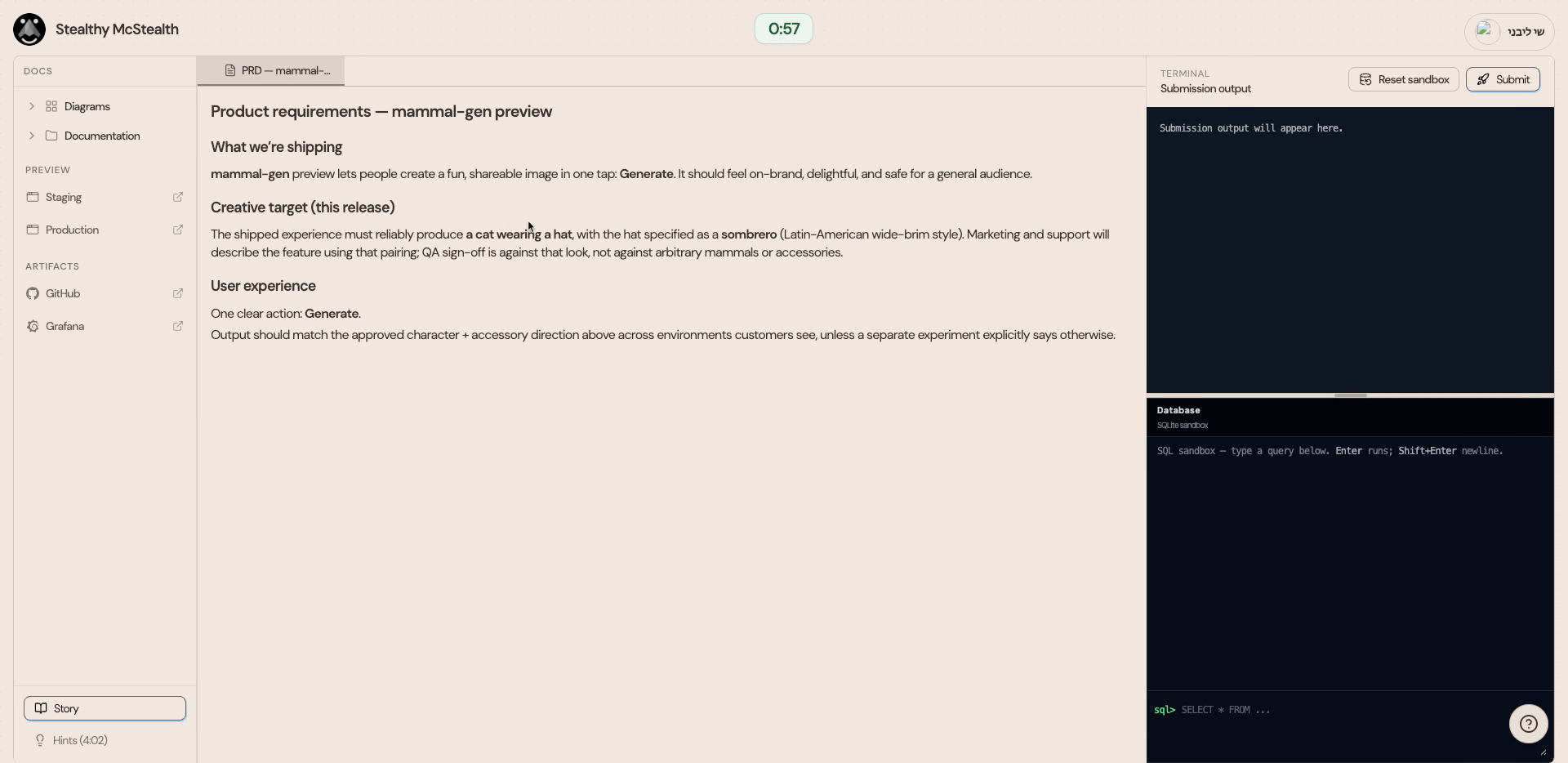
2. Staging Environment
Let's view staging
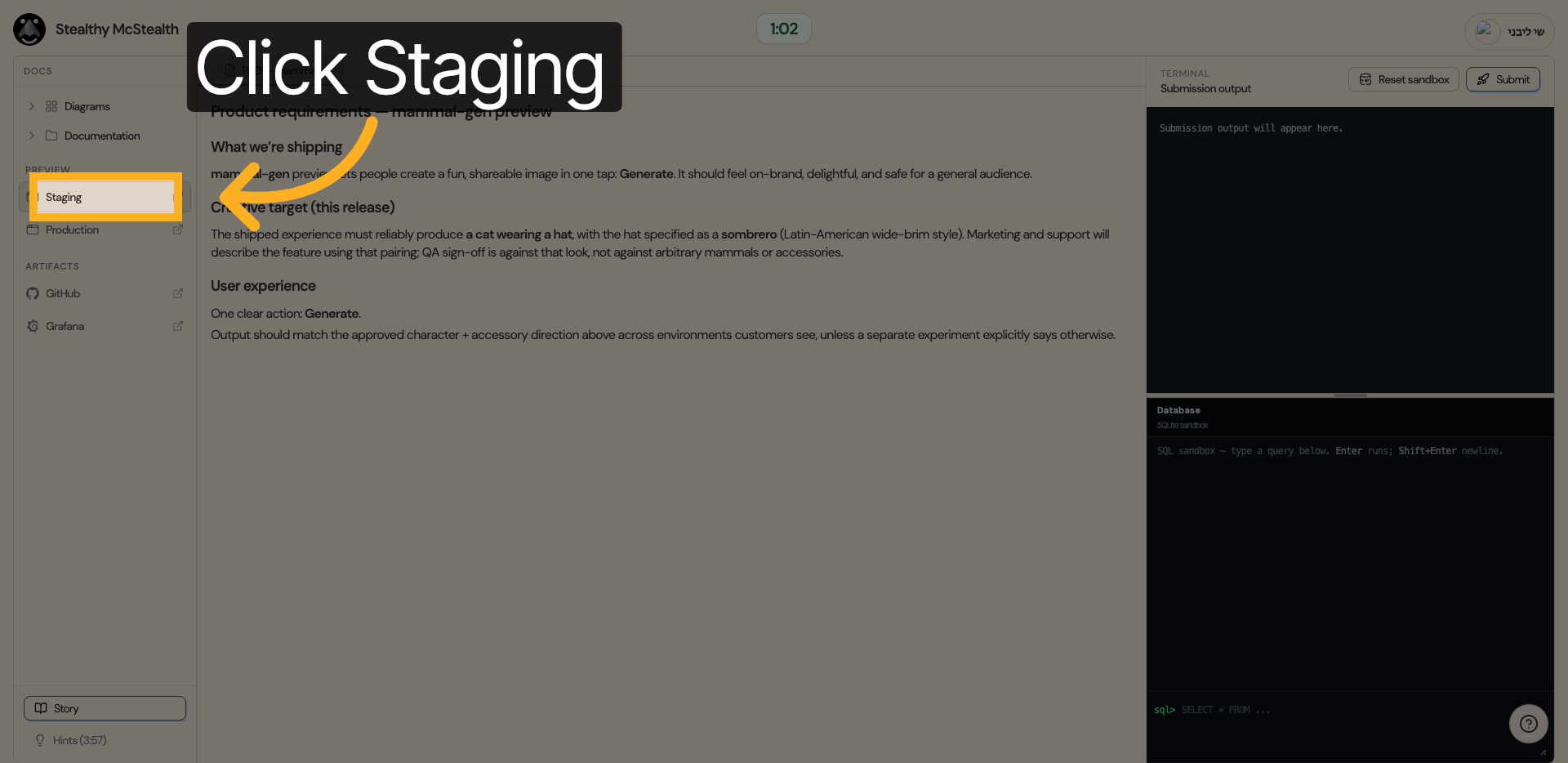
3. Generate
Clicking "Generate" gives us indeed A cat with a hat (as expected)
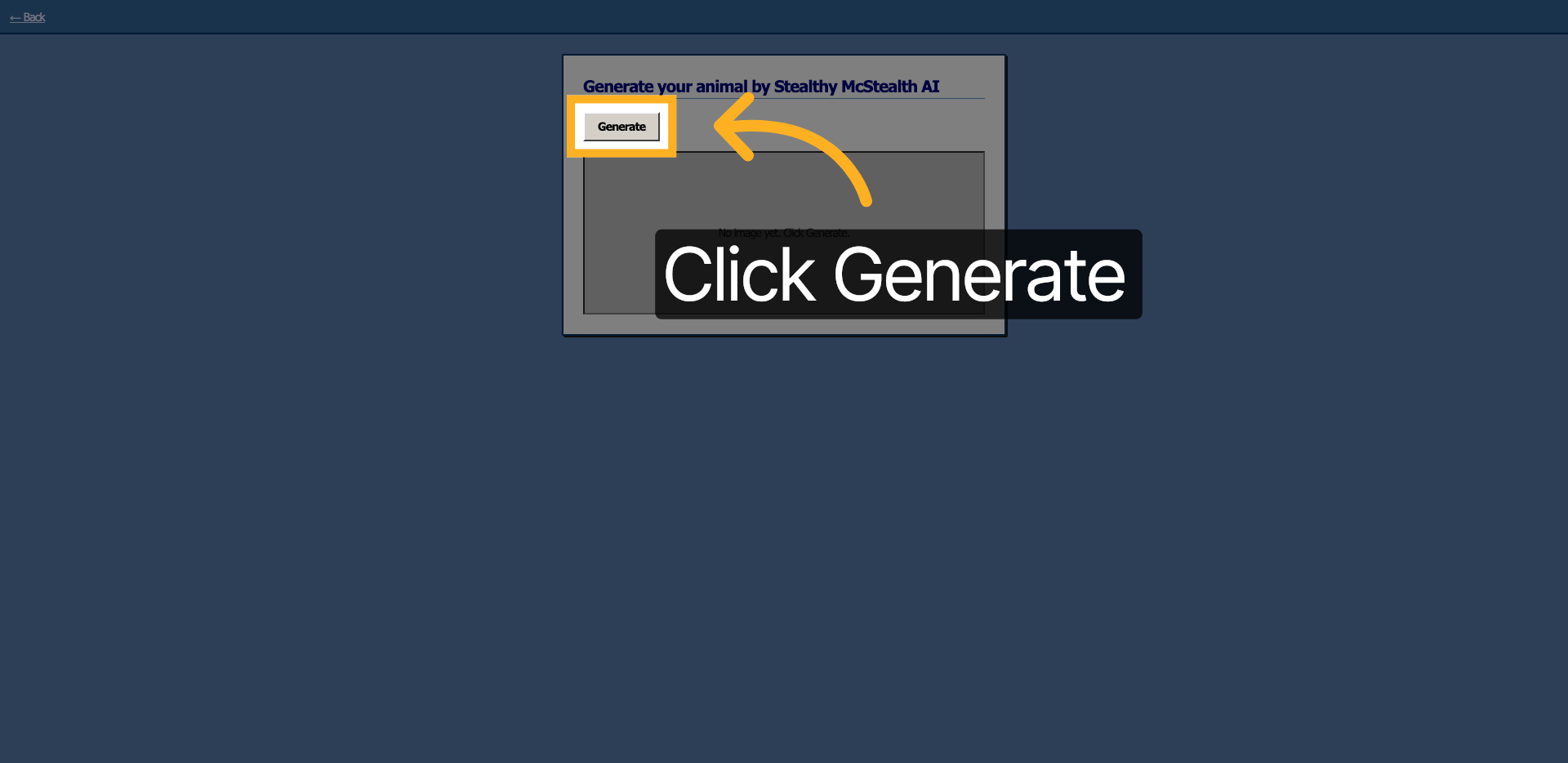
4. Production
Let's identify the problem in production.
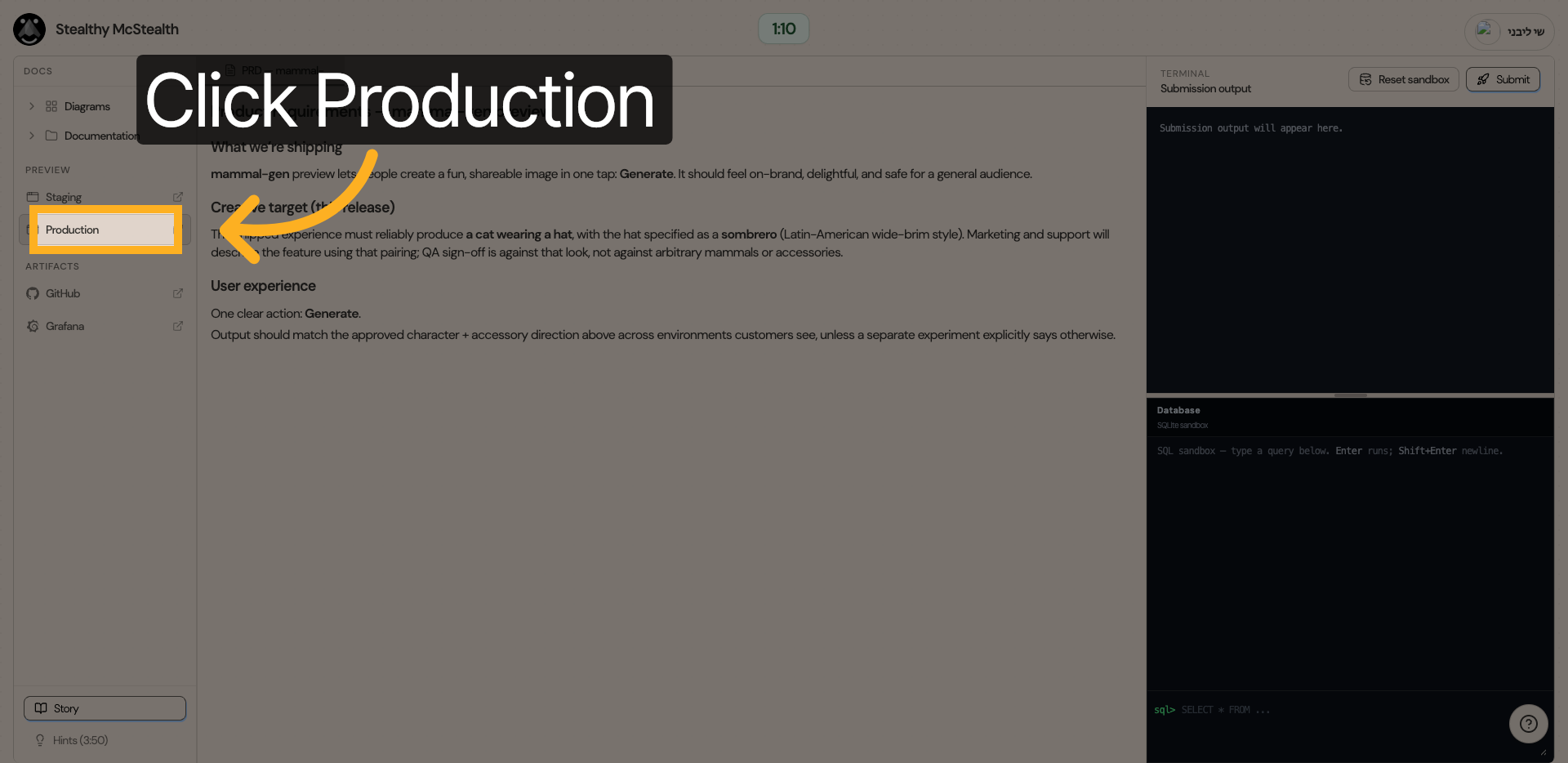
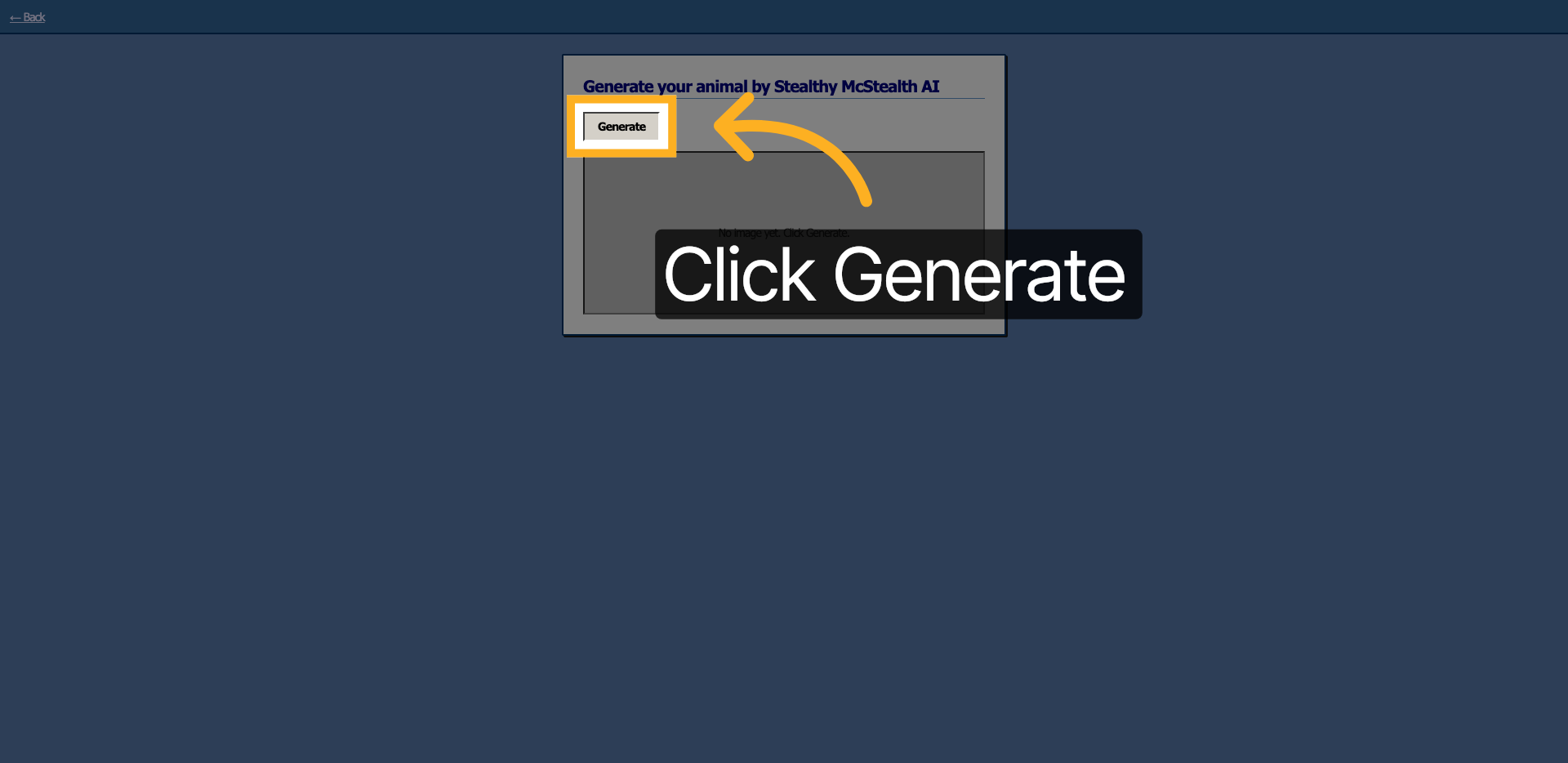
5. Generate
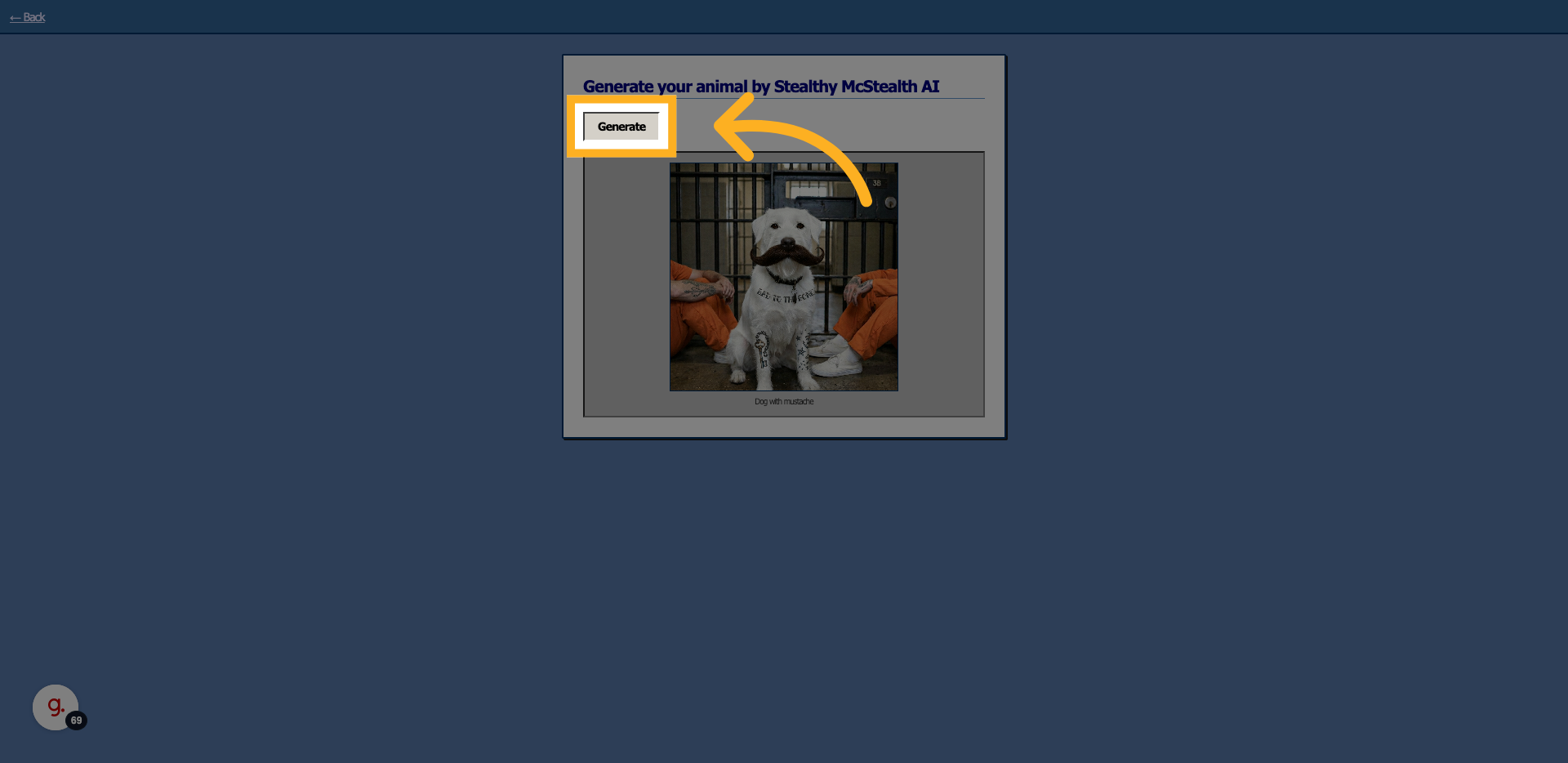
Clicking "Generate" gives us a Dog with a mustache....
6. Source Code Investigation
Let's investigate the issue through the source code on GitHub
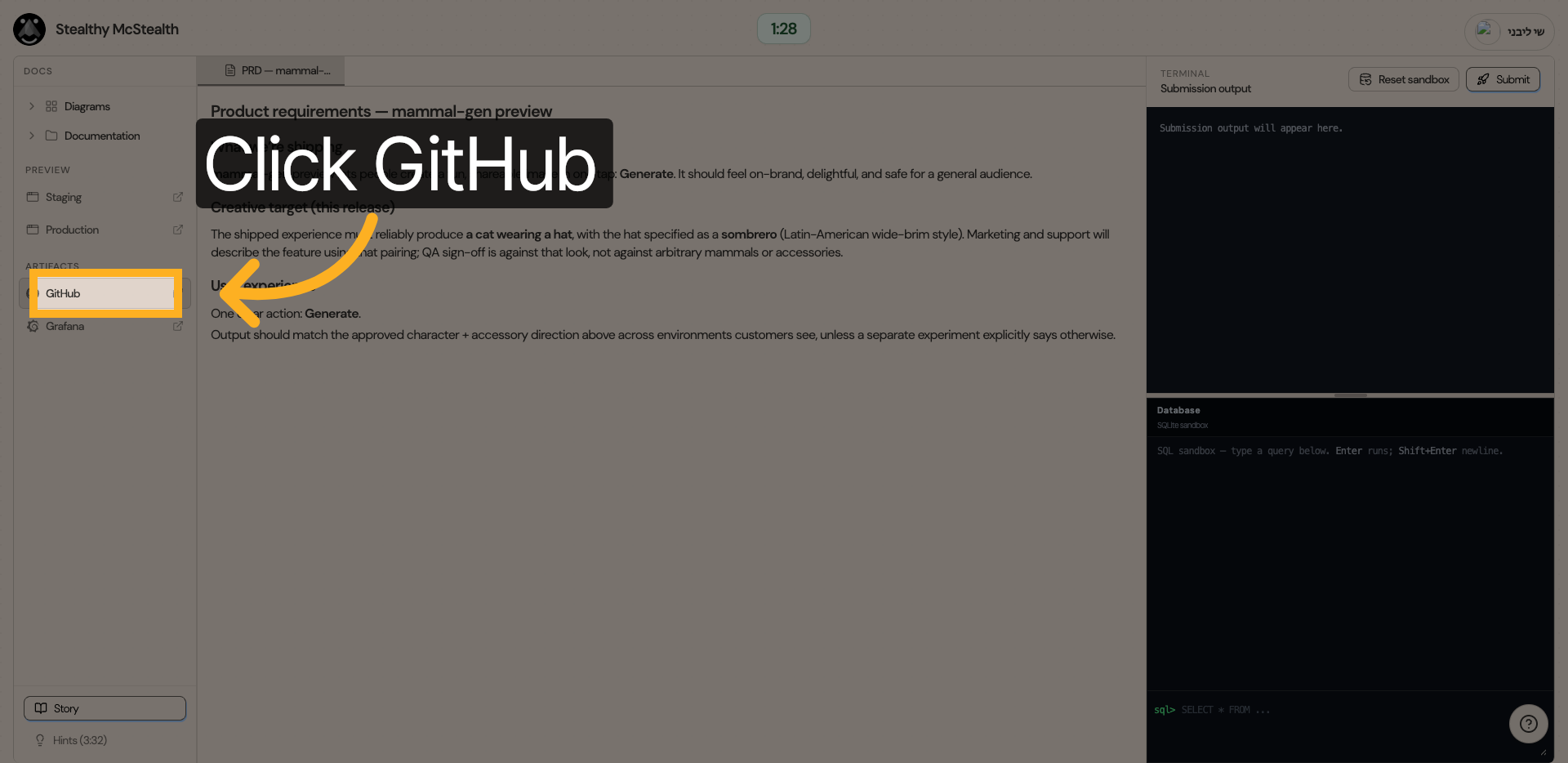
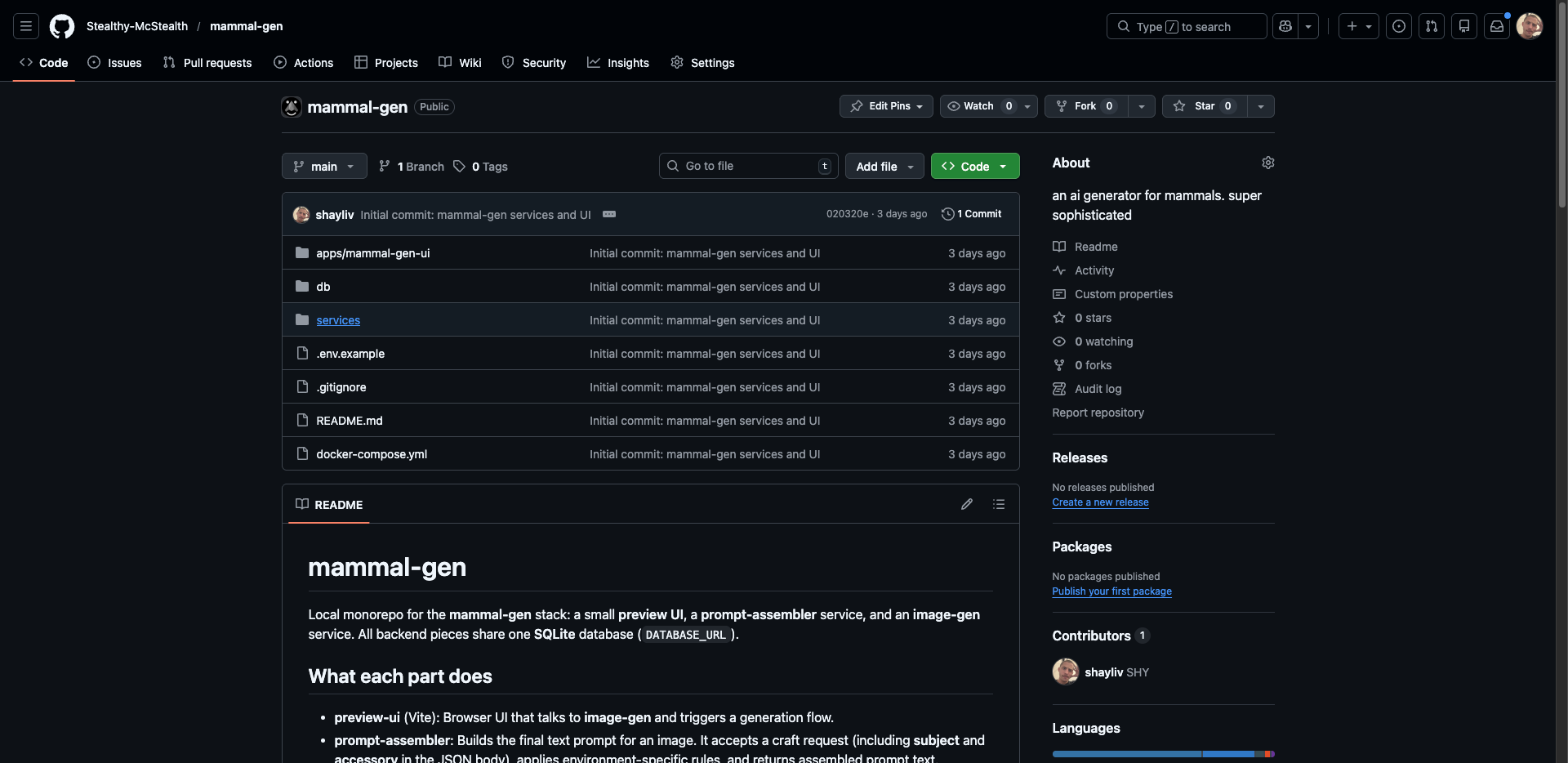
7. Navigate to GitHub Repository
8. View image-gen main.py
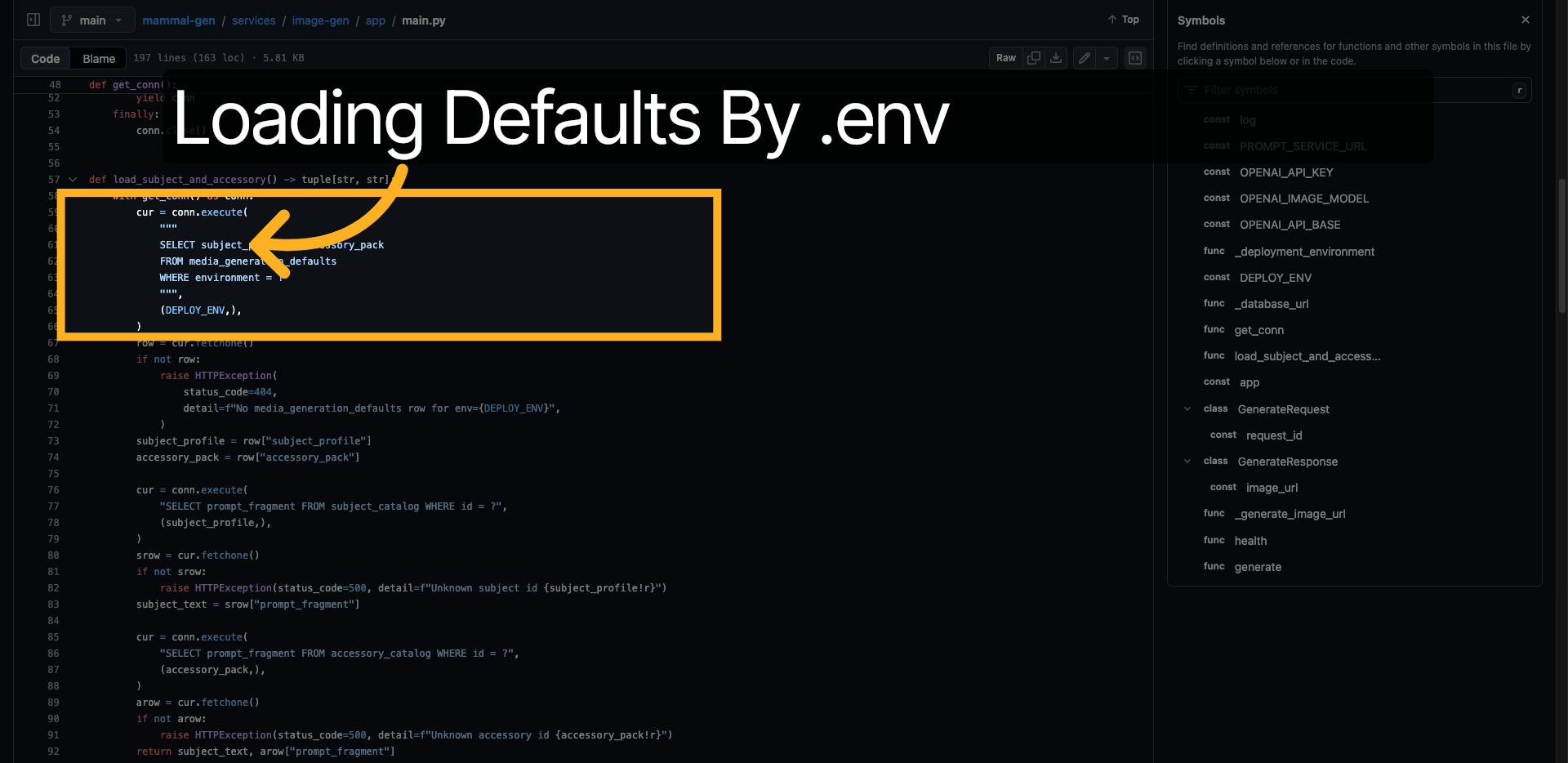
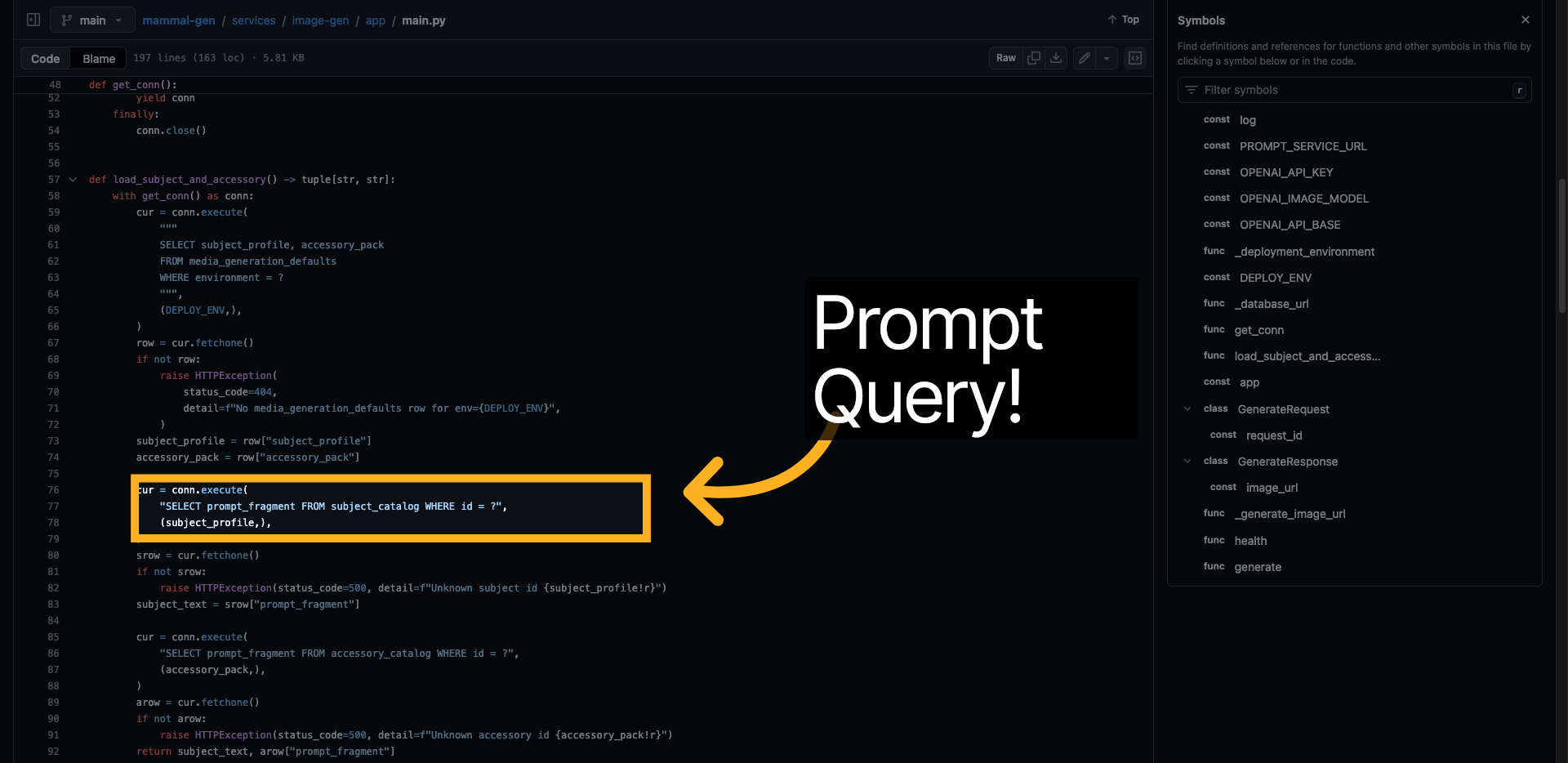
After viewing the main file of the image generator service to try to trace where the animal is coming from.
We can see the function is trying to fetch a "Default media subject" from the db.
9. Second clue
As well as a suspicious SELECT prompt FROM .....
Let's save both the queries and get back to the challenge interface.
10. Switch back to the Interface
11. Review SQL Query Results
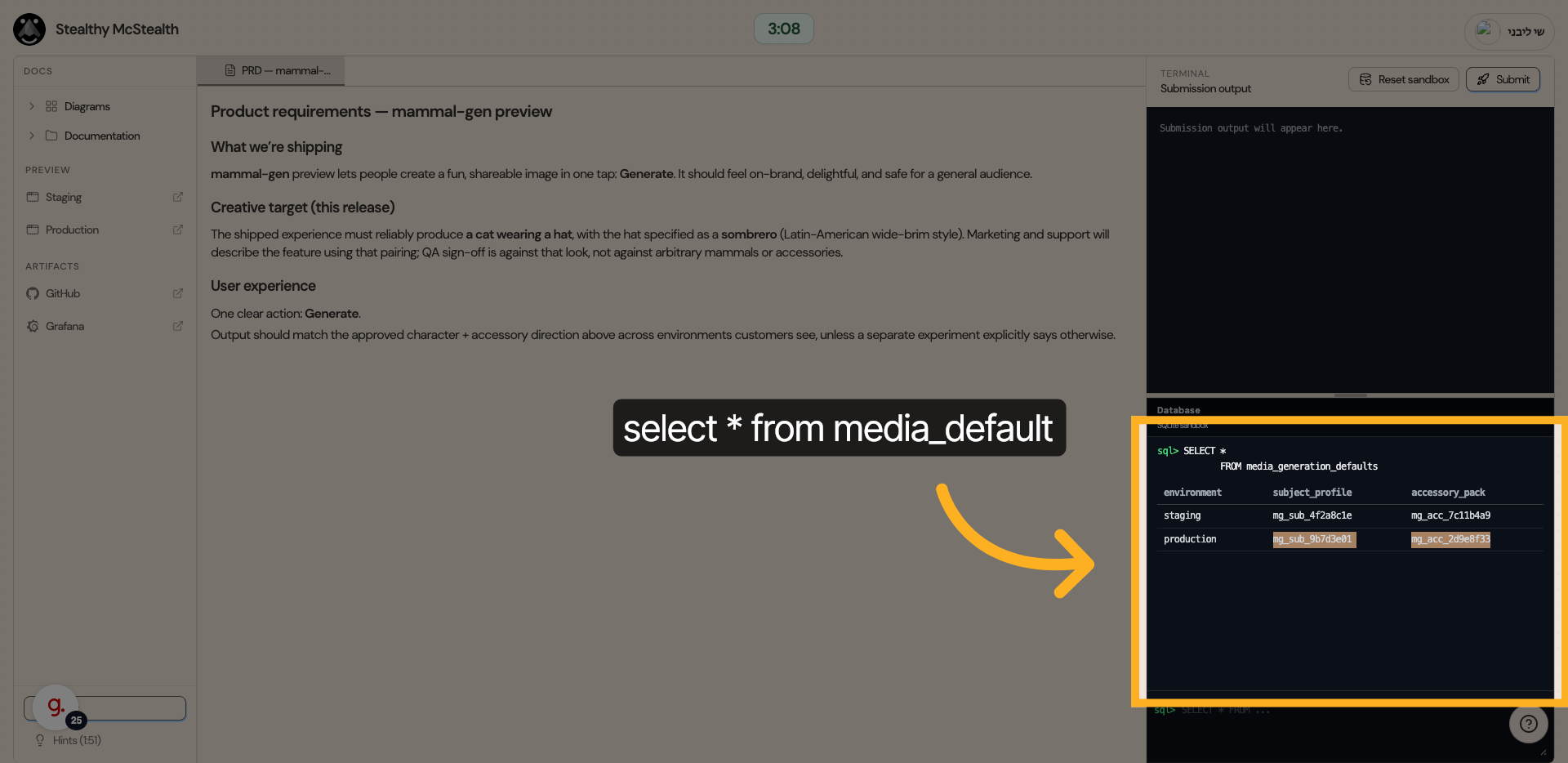
Let's try to run the first query.
We notice the results indeed shows different default values between staging and production.
12. Second query (Prompt)
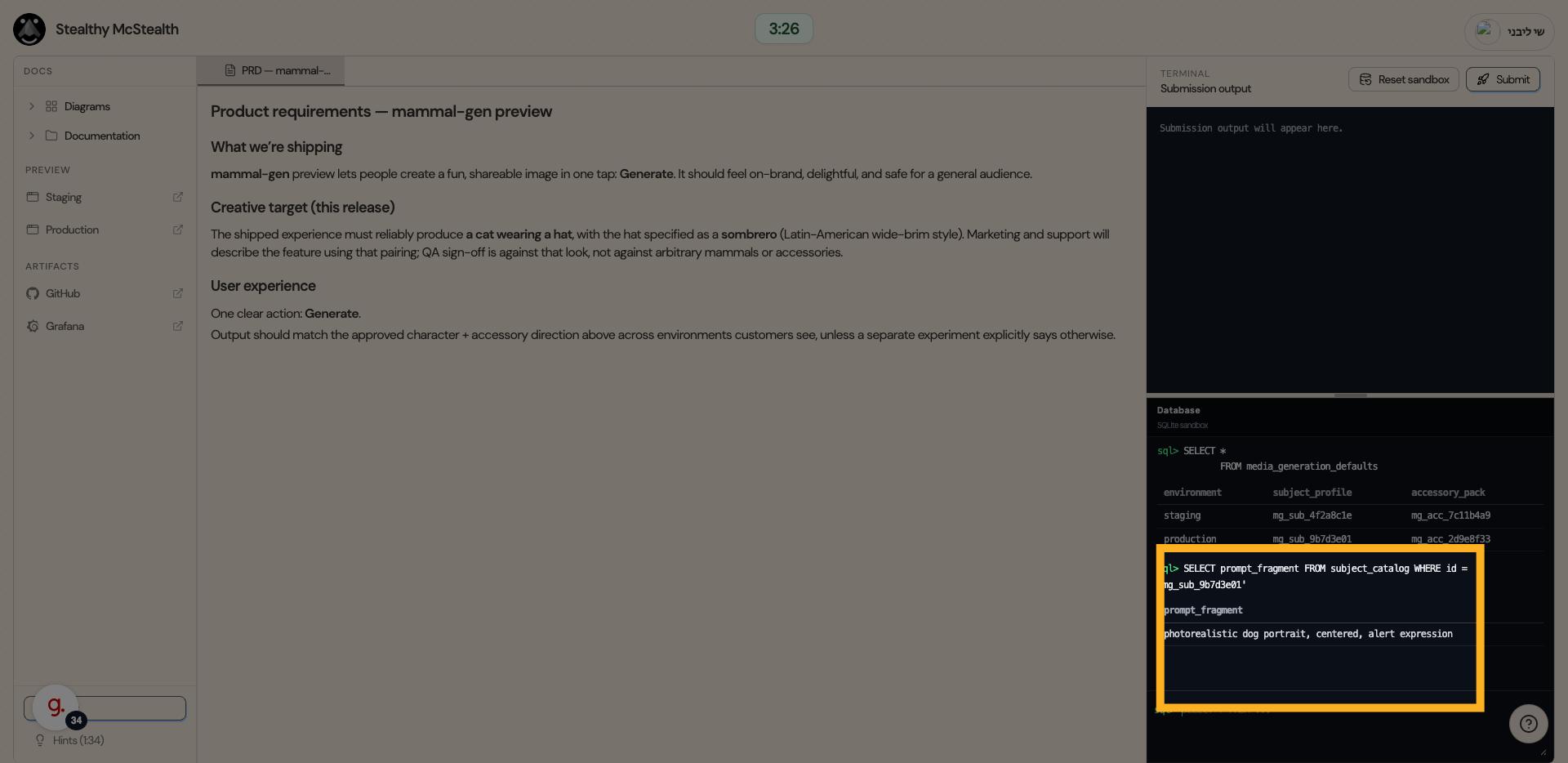
Using the ids we retrieved, let's try to query the prompts themselves.
We indeed see a prompt of a "dog"
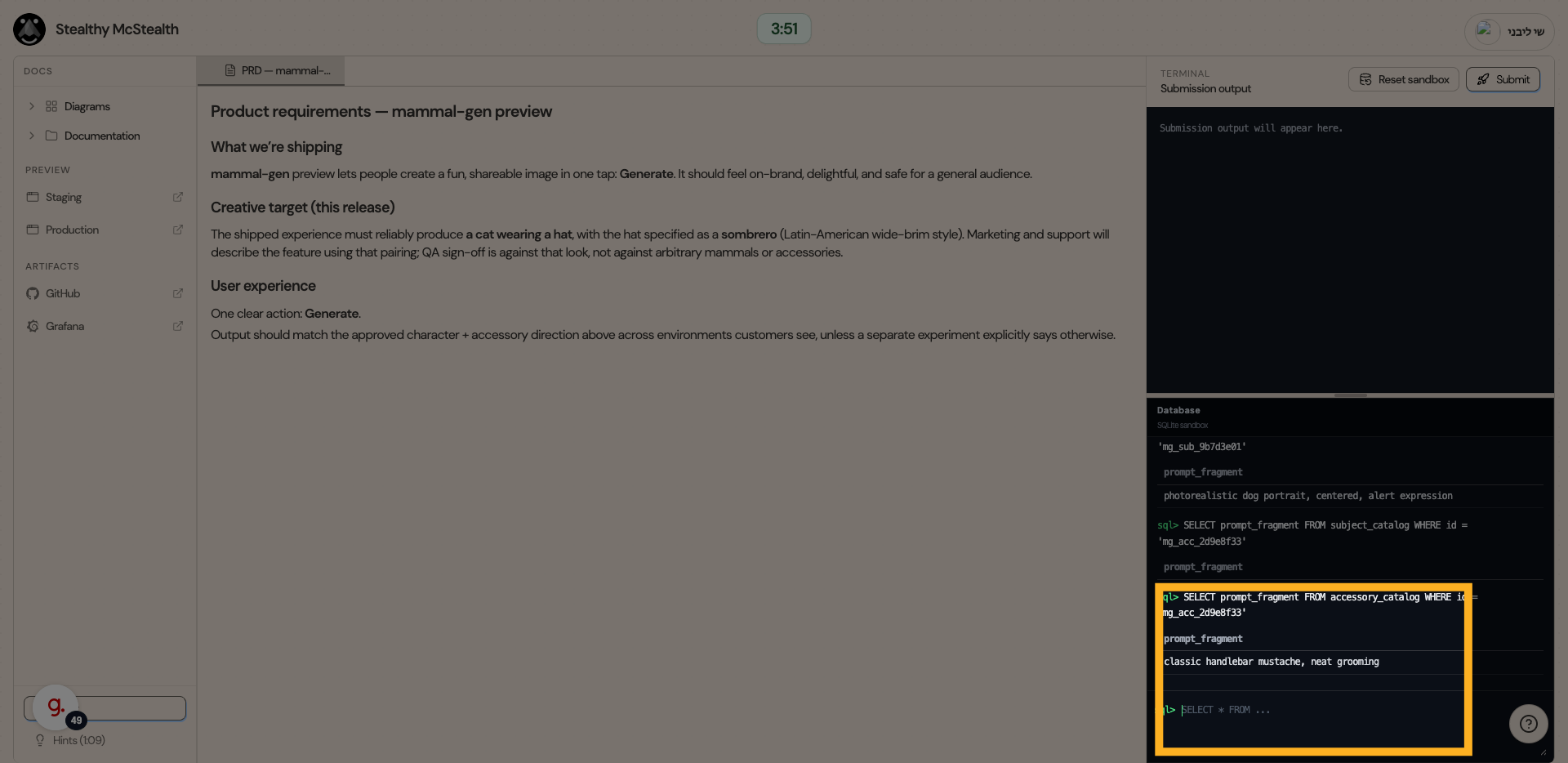
13. Accessory Query
Now let's query the accessory prompt.
And we indeed see a mustache!
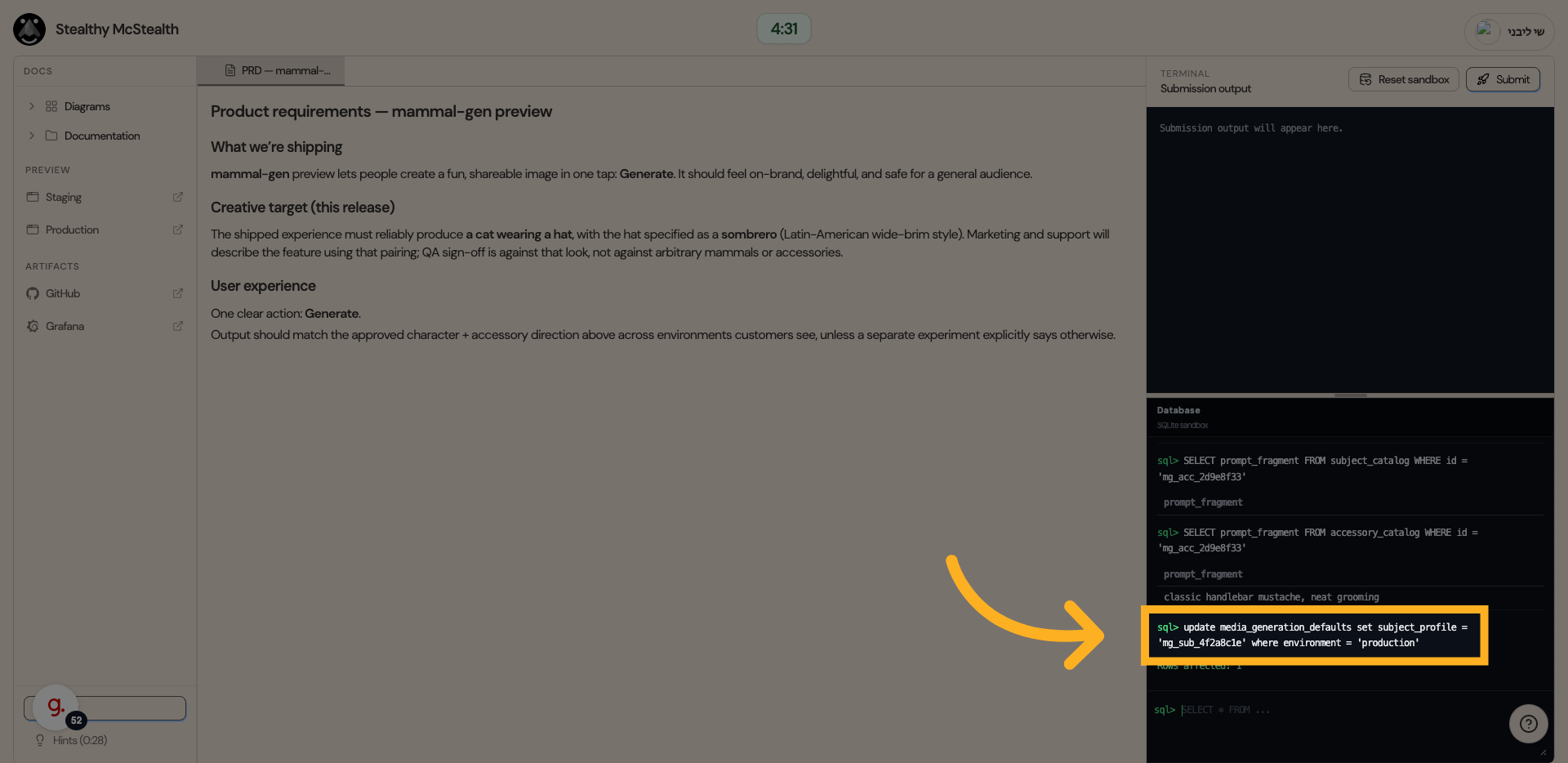
14. Update production default subject
After we got the subject values, let's replace production subject default value with the one from staging.
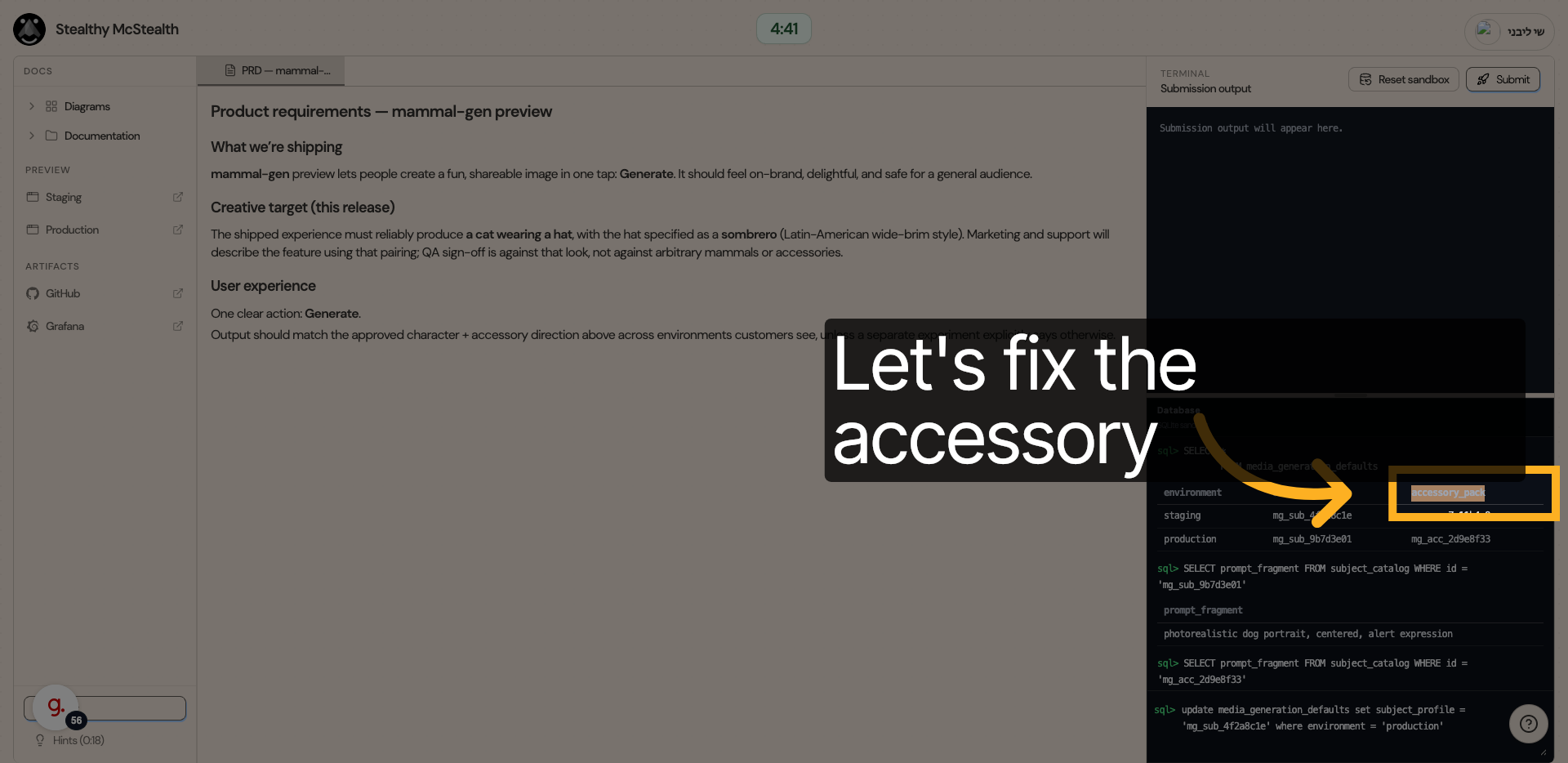
15. Update production default accessory
Now do the same for accessory
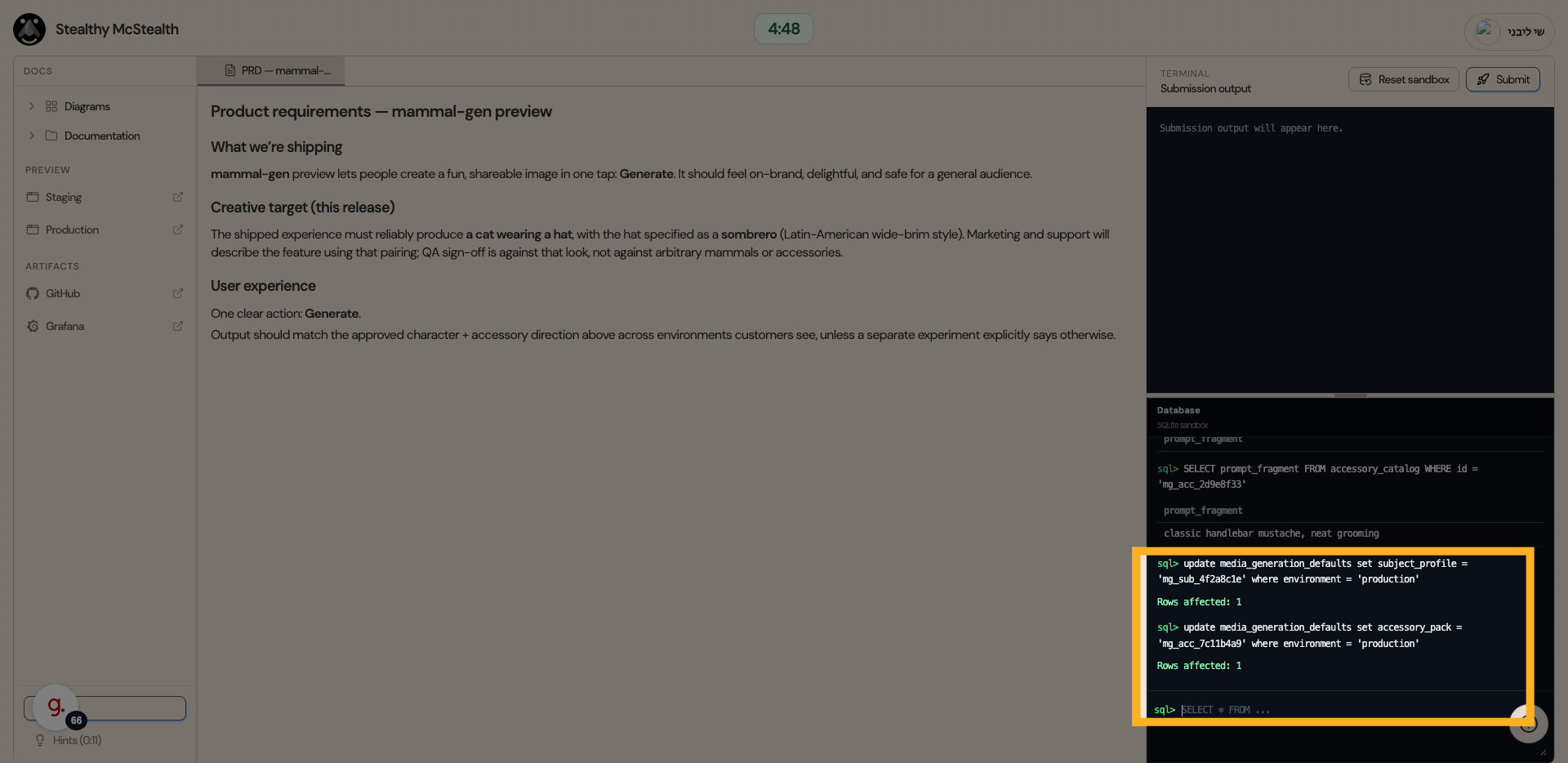
16. Update results
Both columns updated!
17. Generate again
Let's generate again
18. Results
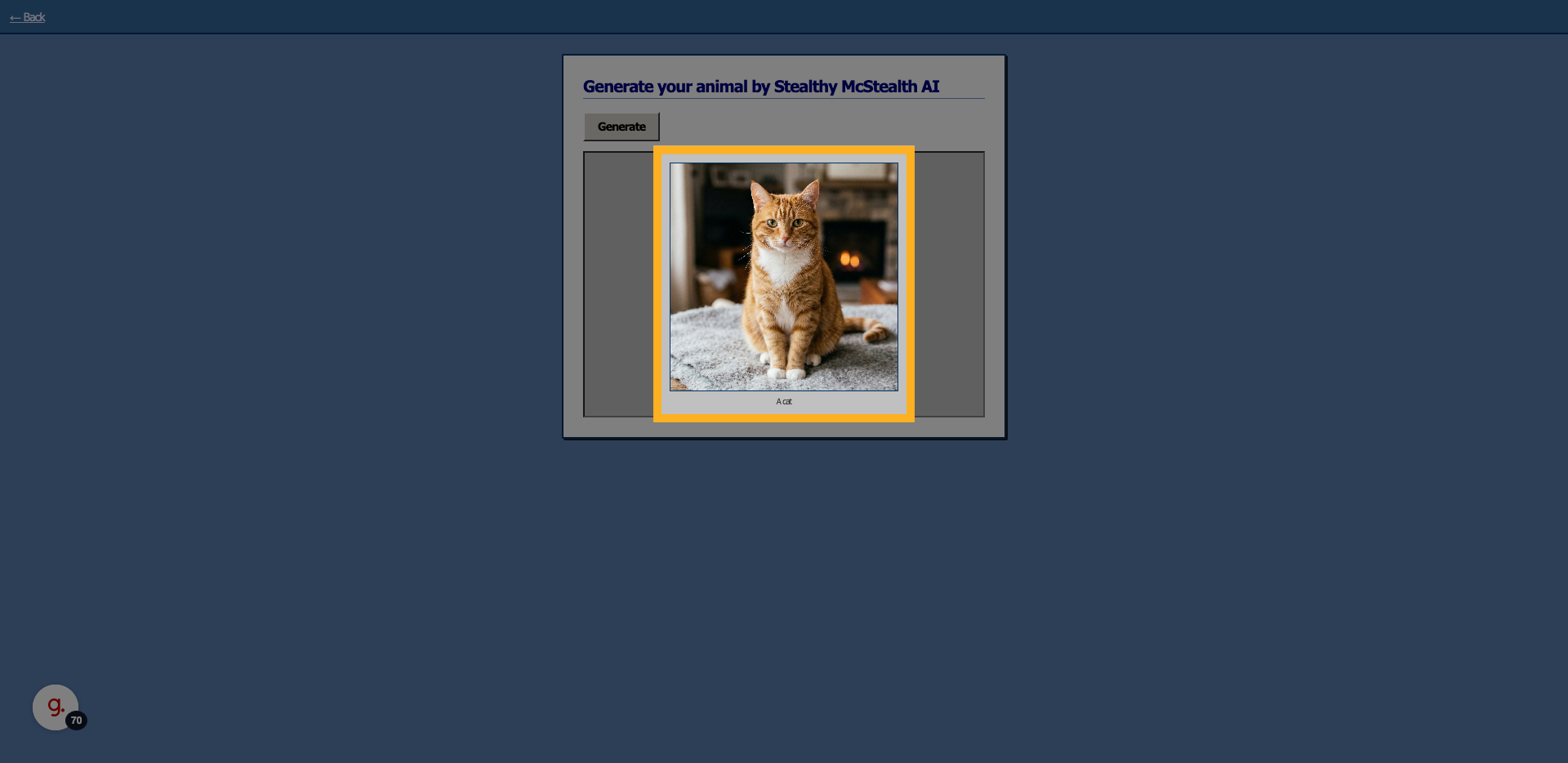
Now we do see a cat, only without a hat :(
19. Go back to the prompt builder code
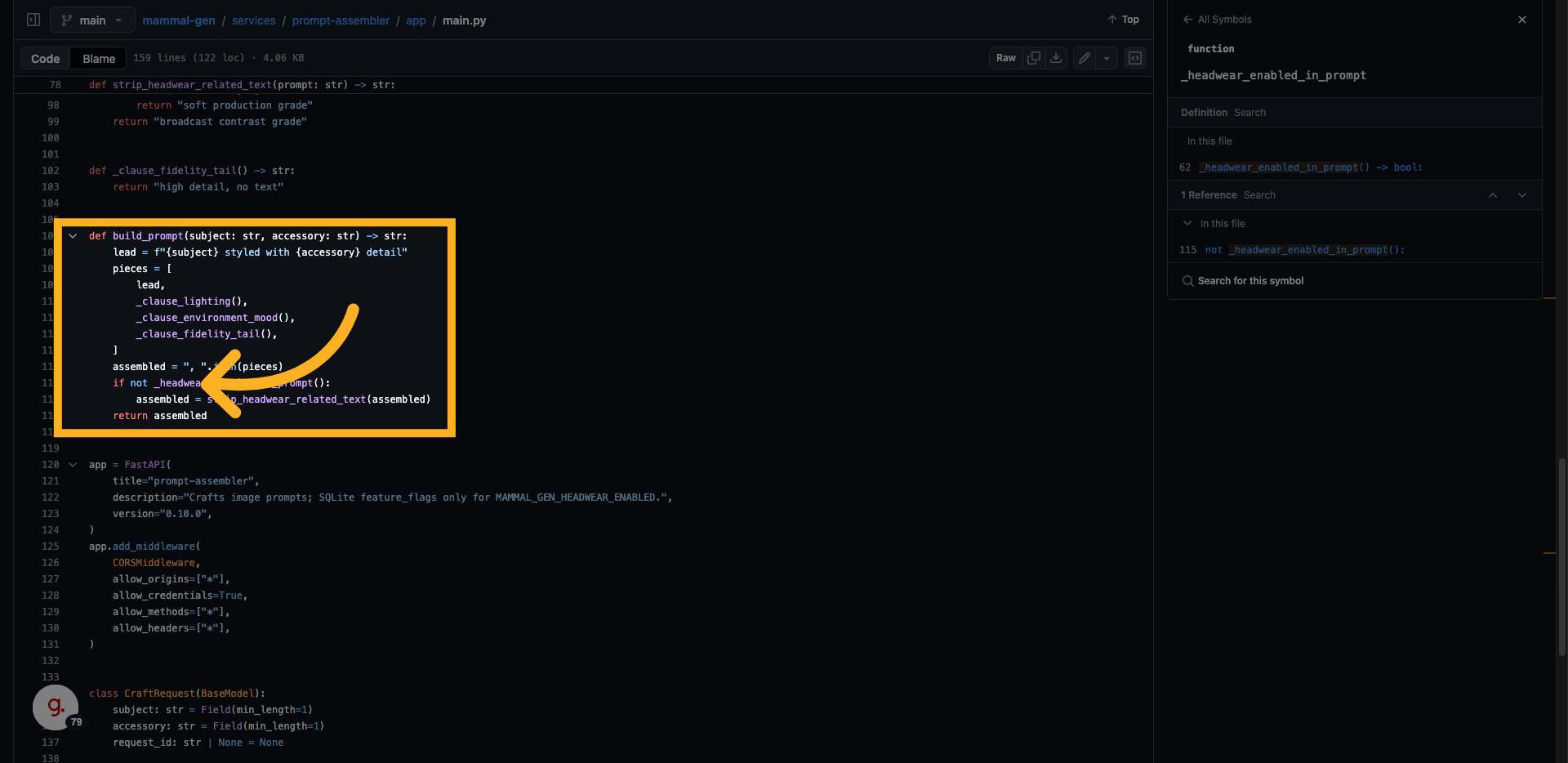
In the prompt service, let's view the main function 'build_prompt' (could be related...)
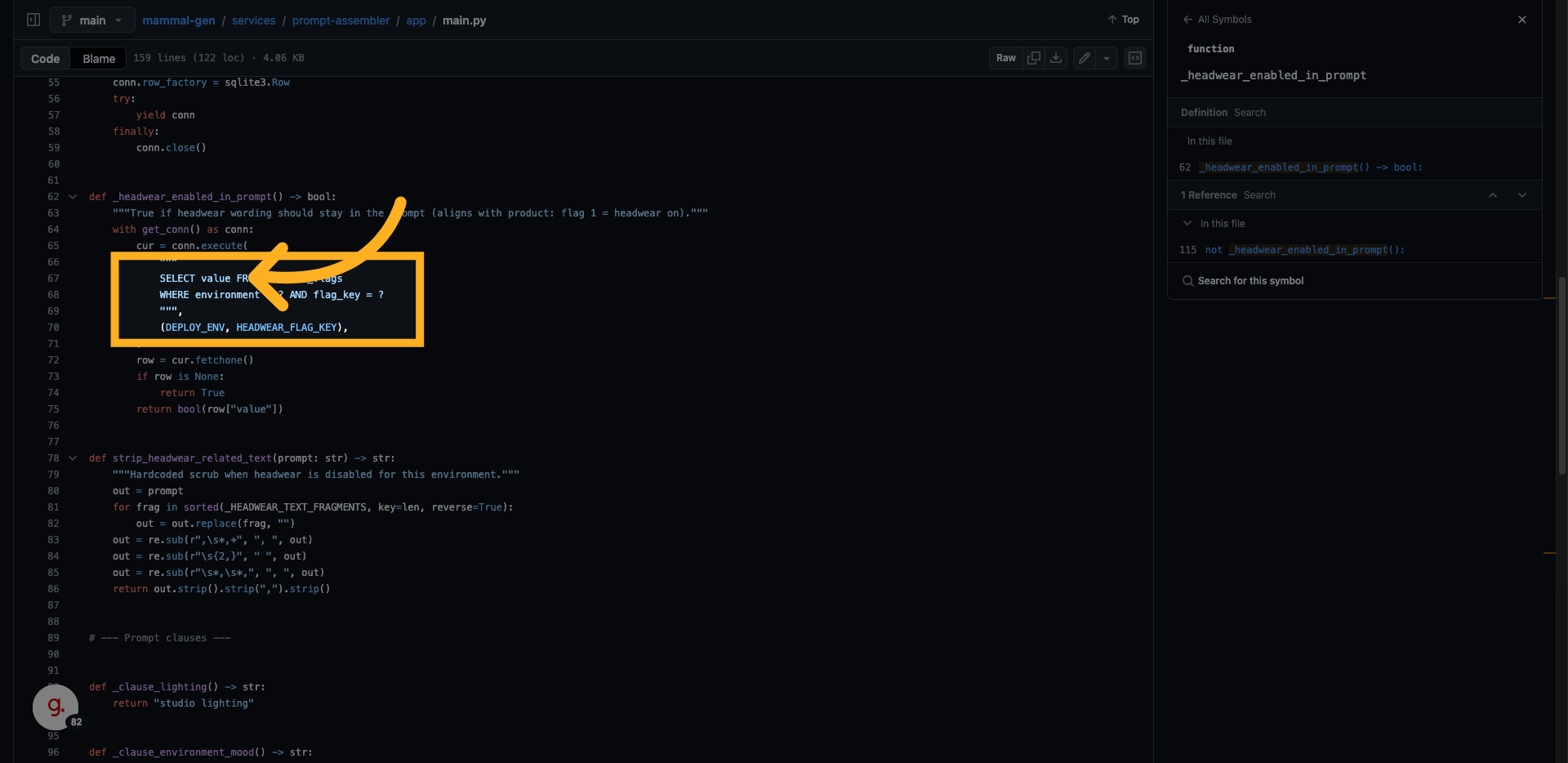
20. Headwear hiding
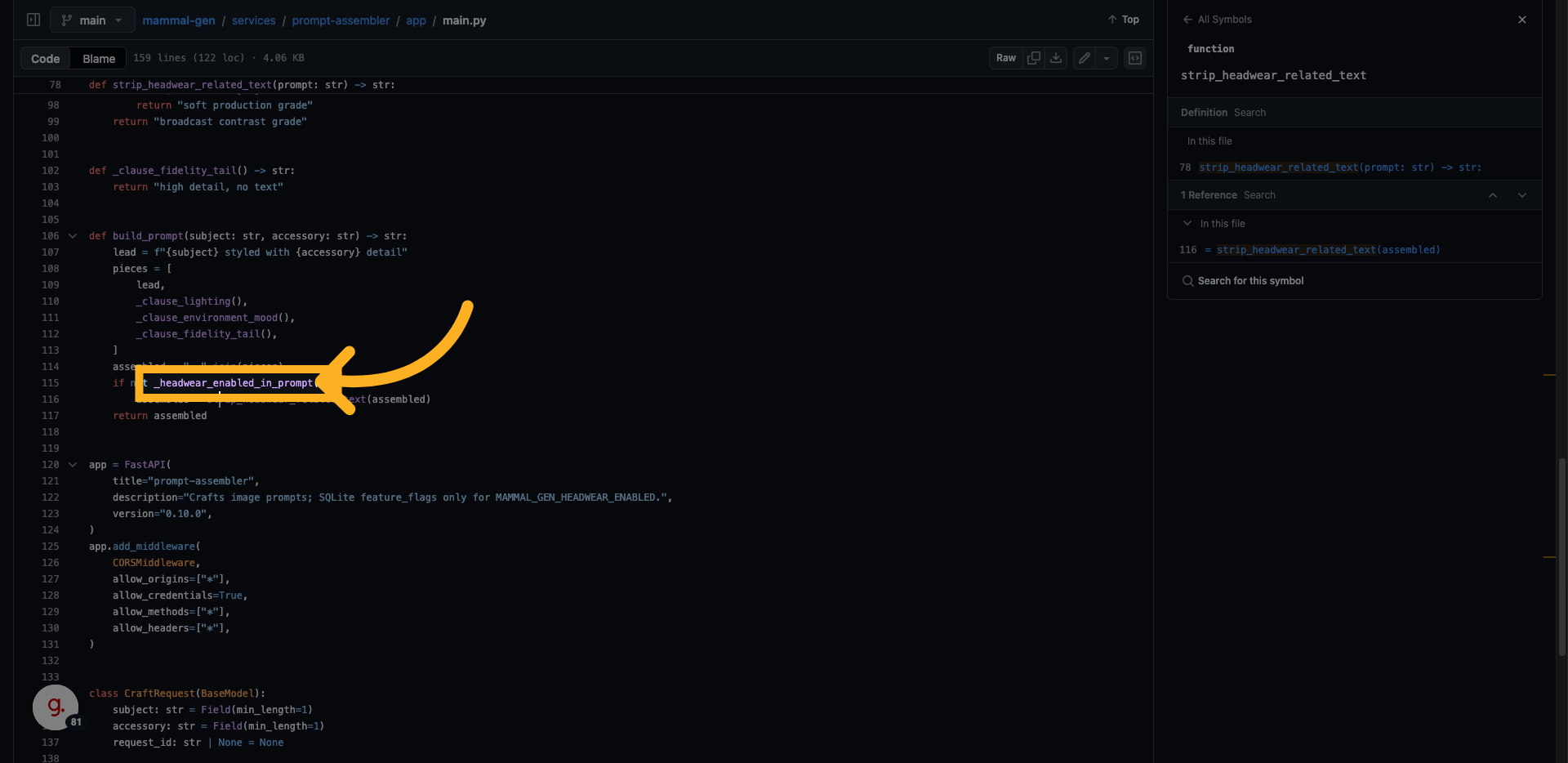
We do see a weird condition for hiding headwear...
21. Feature toggle
Inspecting the function, gives us a query for fetching feature toggles (per environment)
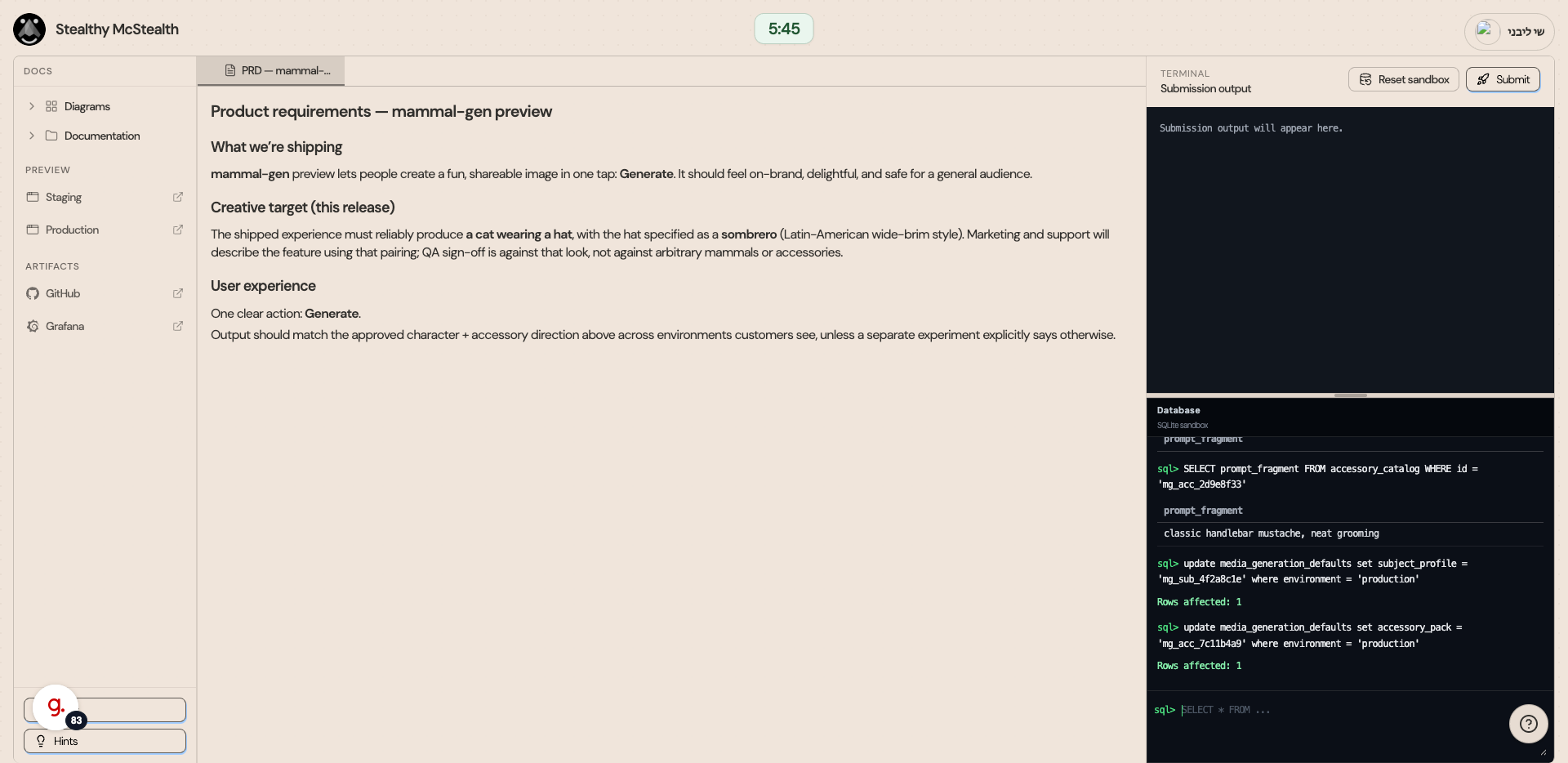
22. Switch to challenge Interface
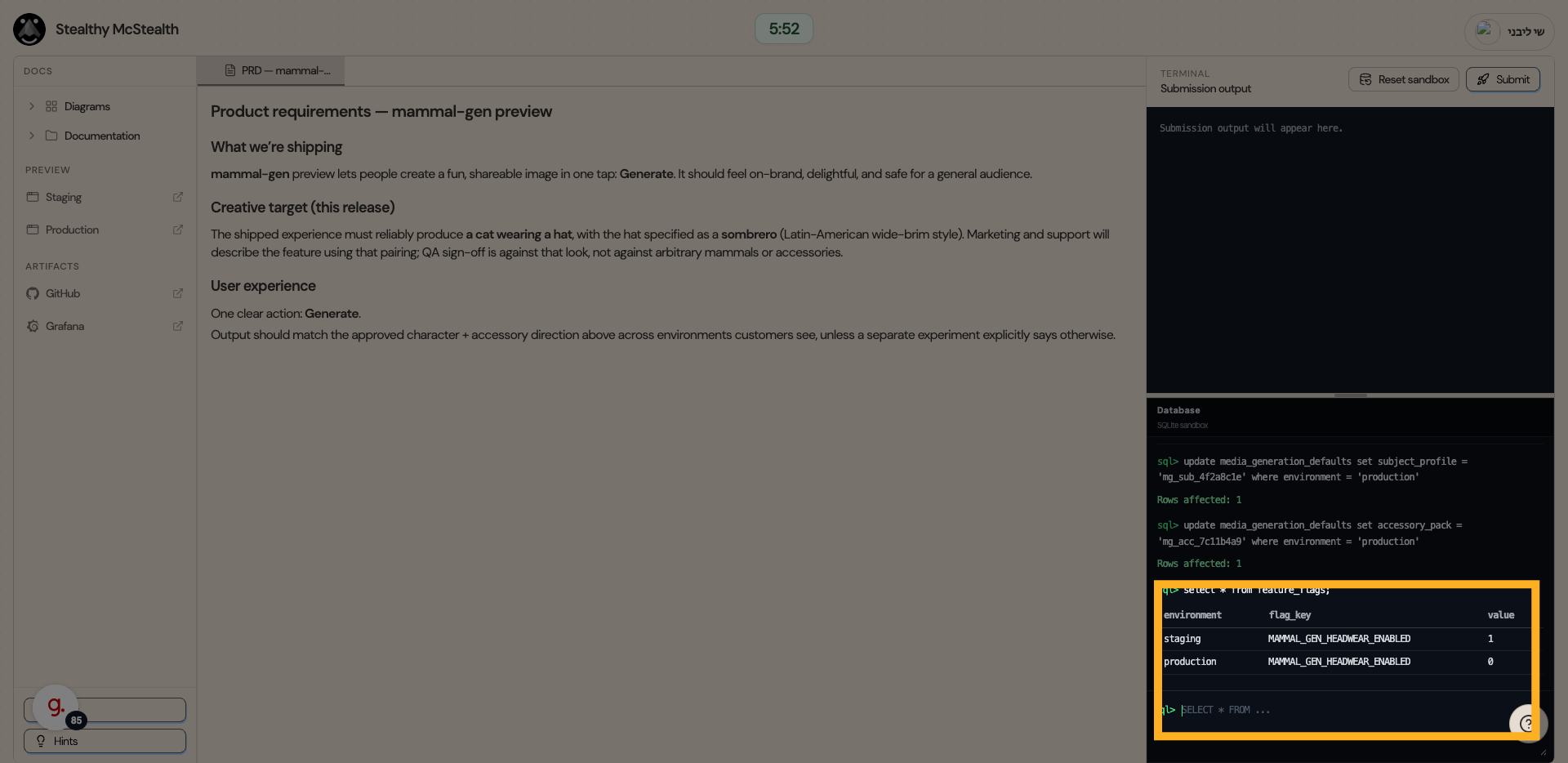
23. Run the feature toggle query
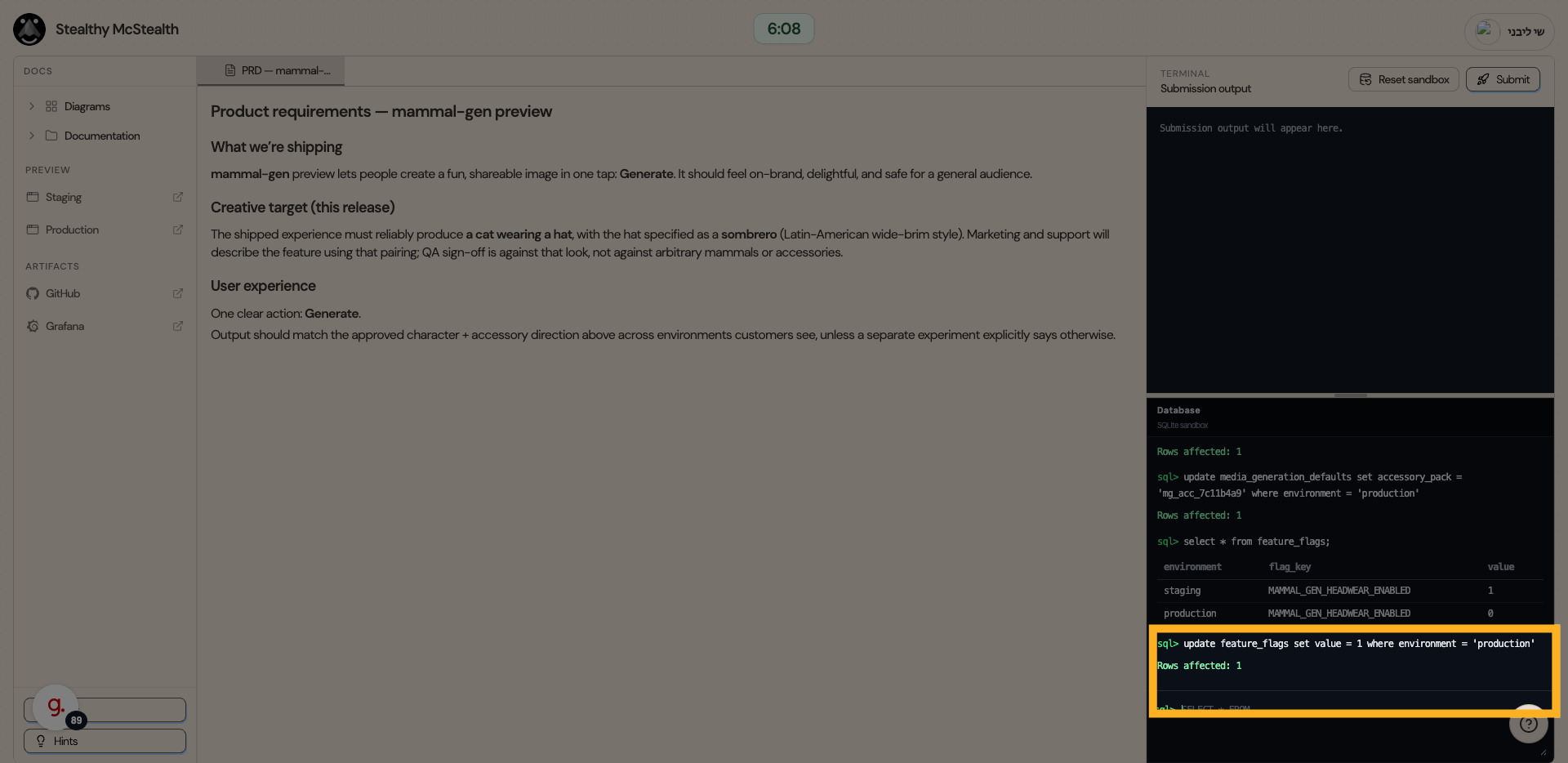
24. Update production values
Let's update production values (1) with the value from staging (0)
25. Generate again
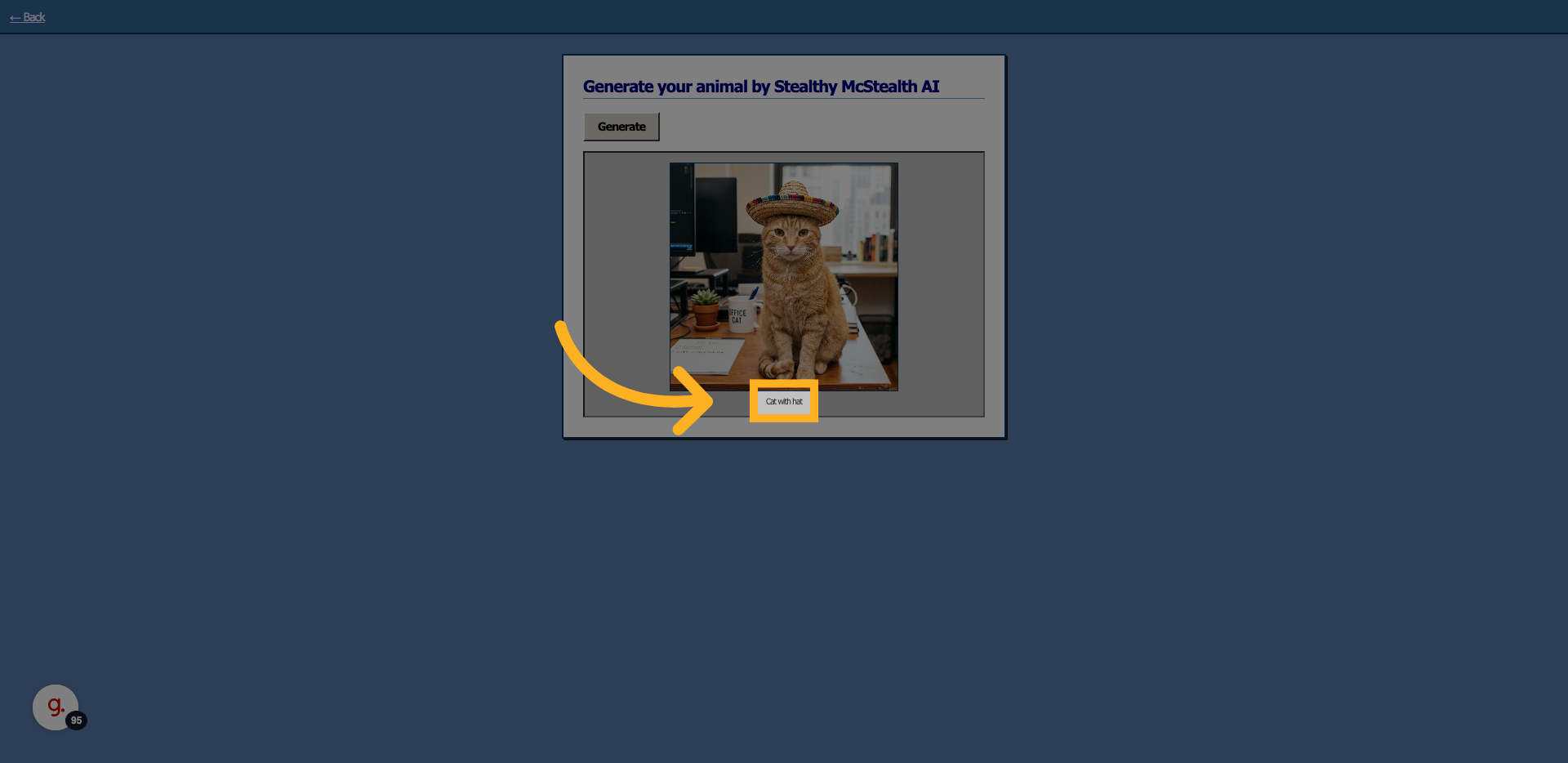
26. Yay!! The cat with the hat shows
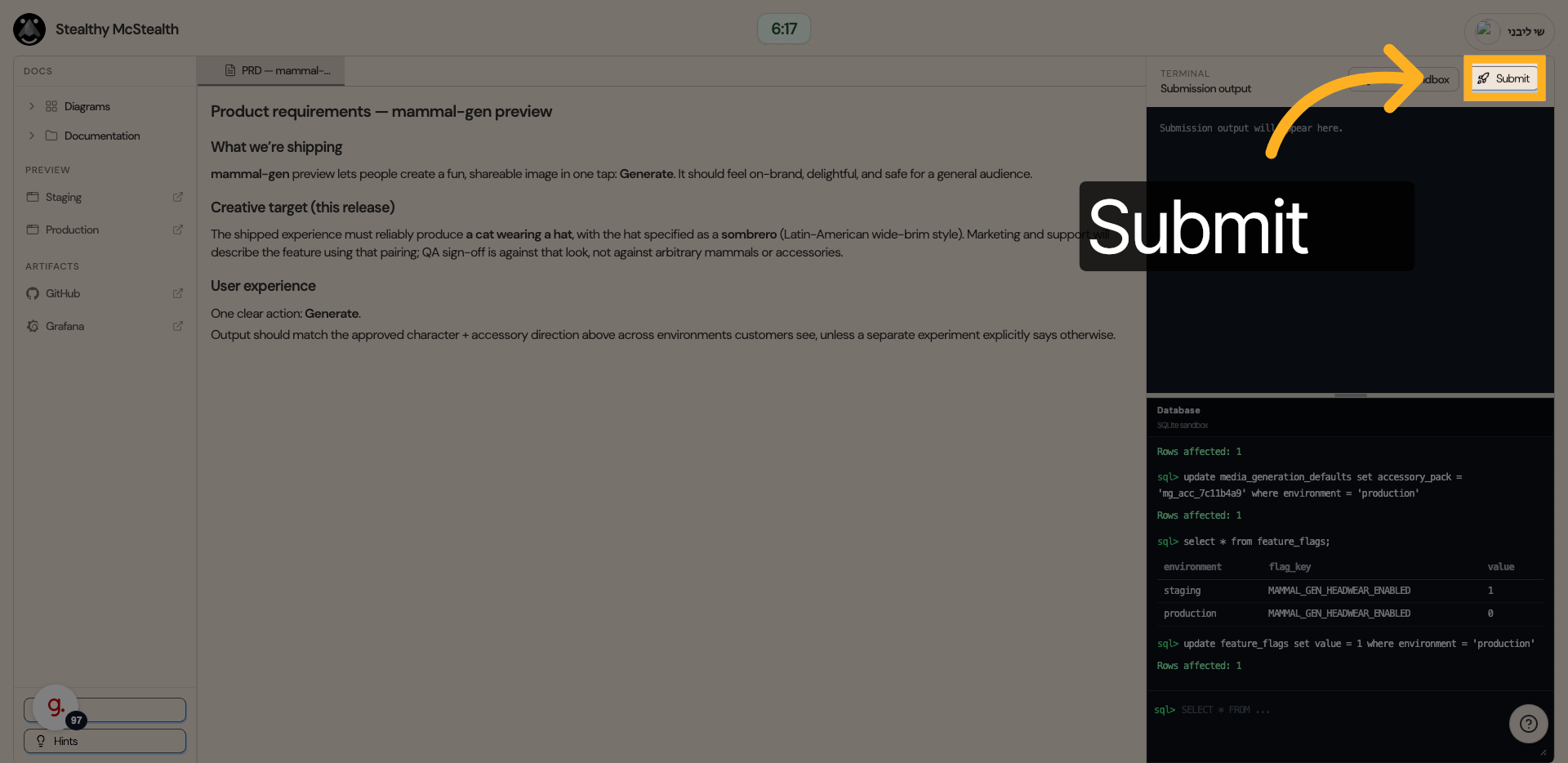
Let's submit!
You're done, see you next week.