GitLab | 2017-01-31T00:00:00Z
GitLab 2017 Database Outage: Deletion, Backups, and Recovery
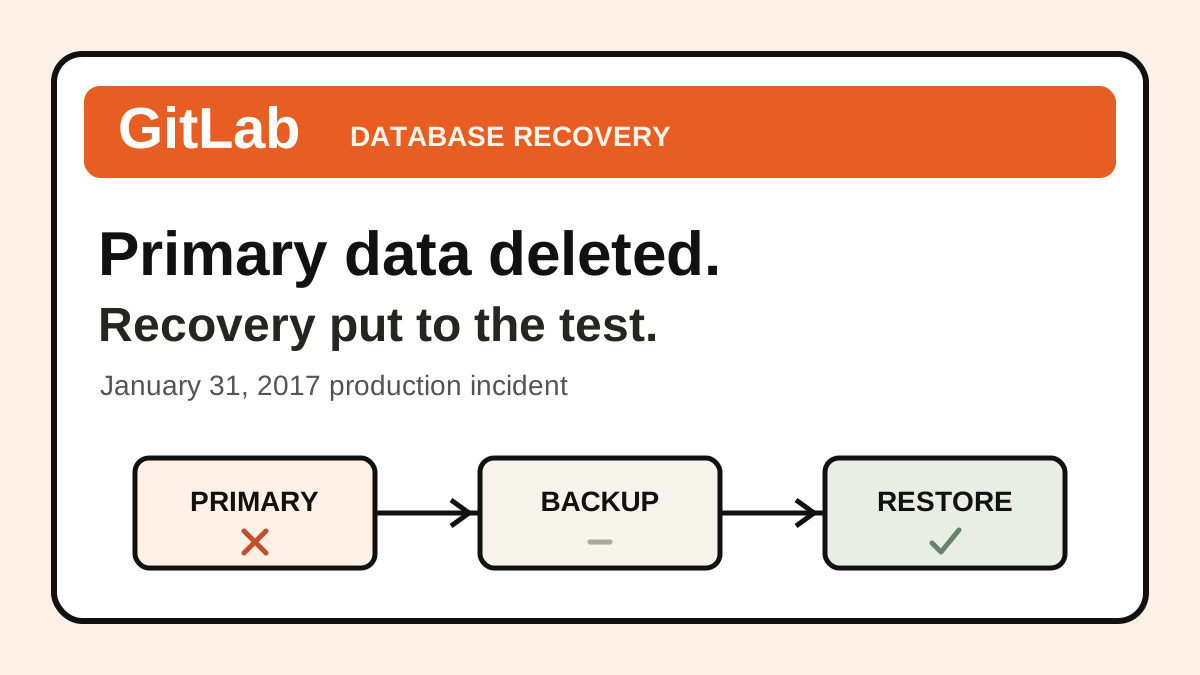
GitLab.com's January 31, 2017 outage involved accidental deletion on the primary PostgreSQL server during replication troubleshooting. Recovery relied on an earlier snapshot, leaving some database changes unrecoverable.
Incident answer
Impact: GitLab.com was unavailable for many hours and lost some database changes; repository and wiki contents were not lost.
Root cause: A destructive operation intended for a secondary ran on the primary, while backup and recovery failures limited restoration options.
Lesson: Validate database recovery end to end and make the target of destructive operations unmistakable.
What happened at GitLab in 2017?
On January 31, 2017, GitLab.com suffered a database outage after an engineer accidentally removed data from the primary PostgreSQL server while troubleshooting replication. GitLab's final postmortem separates the accidental deletion from the recovery failures that made the incident more damaging.
The team restored from an LVM snapshot taken earlier that day. Some intervening changes to database-backed content were unrecoverable. Git repositories and wiki contents were not lost, although access was affected during the outage. GitLab's initial incident account documented the unfolding recovery; the later postmortem provides the fuller account.
The sequence behind the headline
The final report describes database load, replication lag, and a secondary that needed to be resynchronized. During that work, a command intended to clear the secondary's data directory ran against the primary instead.
Recovery then exposed a separate problem: expected logical backups were missing because the backup tool's version was incompatible with the database. The earlier snapshot became the practical recovery path. That sequence matters because preventing the initial operation and improving recovery are distinct engineering tasks. Source: GitLab's postmortem.
Why a backup job is only one part of recovery
The broader engineering question is whether a team can recover an application from the assets it actually has. Consider the chain of dependencies:
- A backup must finish and produce usable data.
- Someone must be able to locate and decrypt it.
- The restore environment must have compatible tools and permissions.
- The restored database must represent a known recovery point.
- The application must work against that restored state.
- Missing or repeated work must be identified and handled.
A green scheduler entry only addresses a small part of that chain. A file's existence is stronger evidence, but still does not demonstrate a working restore.
For your own service, write down two separate objectives: how long recovery may take, and how much recent data the business can tolerate losing. Then measure an actual restore against them. Avoid promising a recovery point based only on how often a scheduled job is supposed to run.
Questions for a database incident review
Use this case to inspect the conditions around high-impact maintenance:
- How does an operator verify the target host and database role?
- Can the required maintenance be performed with narrower permissions?
- Are destructive steps distinguishable from inspection steps in the runbook?
- Does monitoring detect a missing usable backup, rather than merely a failed schedule?
- Who decides whether to reopen writes after a restore?
- How will the team identify changes absent from the recovered state?
These are suggested review questions, rather than claims about GitLab's current architecture. A useful answer should point to a demonstrable control or a known gap.
A practice exercise: restore and explain the missing window
Create a disposable database with synthetic records. Take a backup, add a second batch of records, and make the original database unavailable within the exercise environment. Give a responder the backup location, a restore runbook, and expected record counts.
Ask them to restore into a separate destination and answer:
| Question | Evidence required |
|---|---|
| What recovery point did we reach? | Backup timestamp plus recovered records |
| Does the application work? | A representative read and write against the restored copy |
| What is missing? | Comparison with the synthetic source-of-truth record list |
| Can another responder repeat this? | A corrected runbook and a second walkthrough |
Do not score an empty but reachable database as success. The exercise is complete when the responder can explain both the recovered state and its limits.
Record the result with the incident postmortem template. For more practice formats, use the SRE training exercises or try a past Incident Challenge.